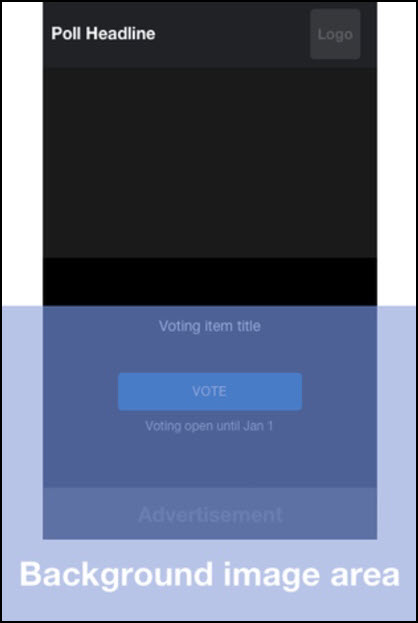
From the Admin profile you can configure:
- Sponsor Logo (from logo option)
- Background
- Accent Colors
- Preview display (carousel or cards)
Controls are available in the Look and Feel tab.
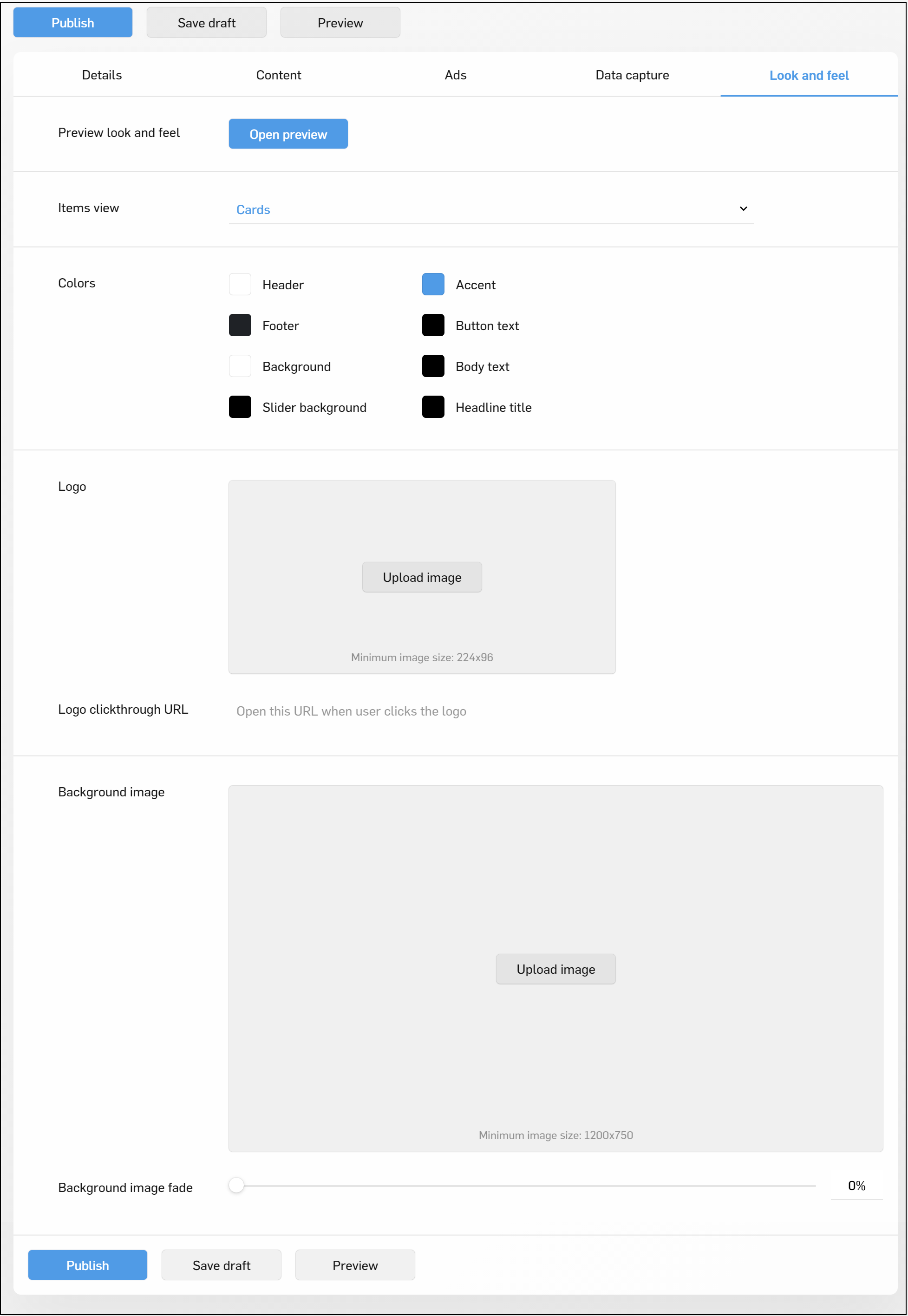
Once configured, use the Preview button to view your configurations before publishing them to go live.
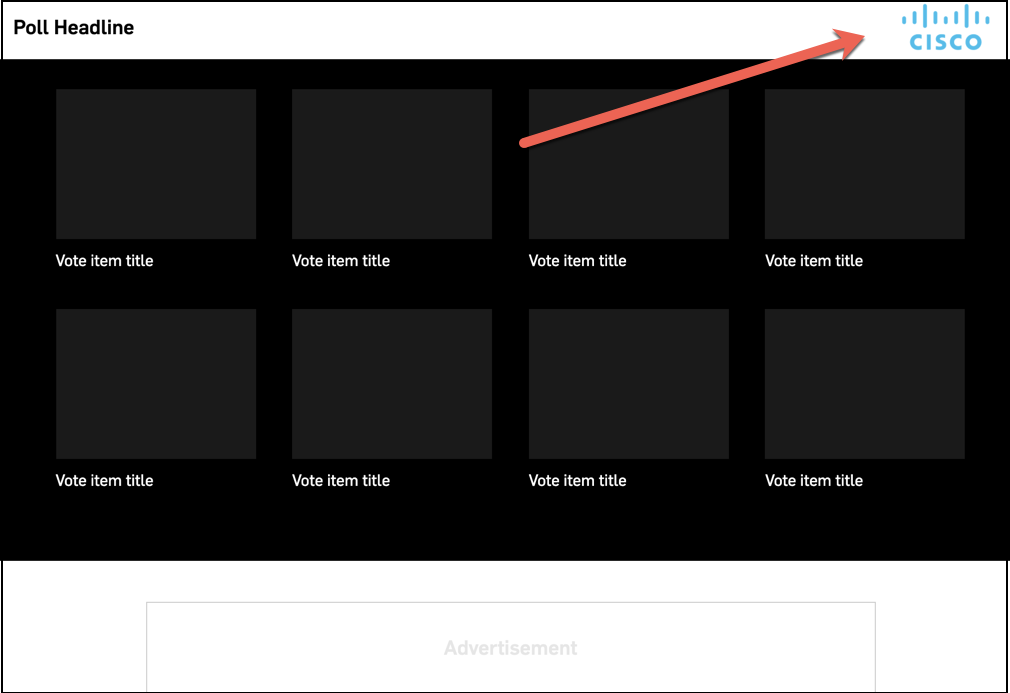
Sponsor Logo
The sponsor logo will display at the top of the page next to the header
- The minimum allowable size for this logo is 224x96px
- You can add an optional clickthru URL to link the logo out to an external website
Background Image
When configuring your background image the recommended size is 1200x750px, note that depending on the user screen size some of this image will be cut off.
See below for the safe areas to consider when selecting your image.
The general layout is the following:
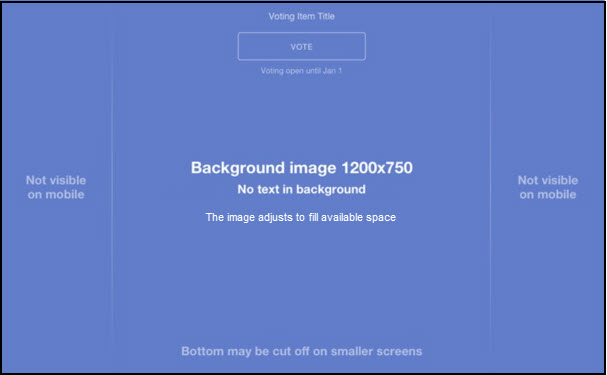
Desktop:
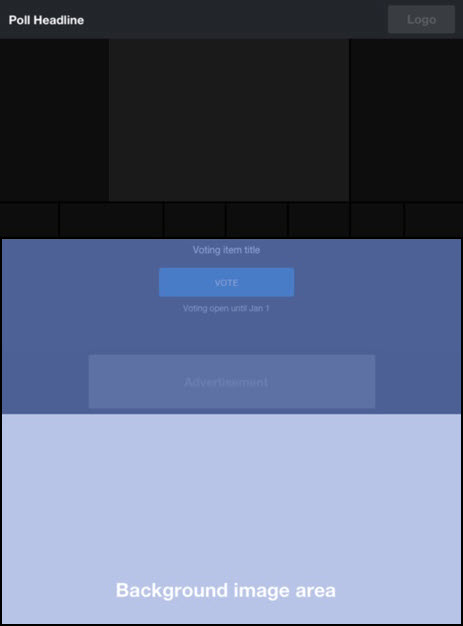
Mobile: