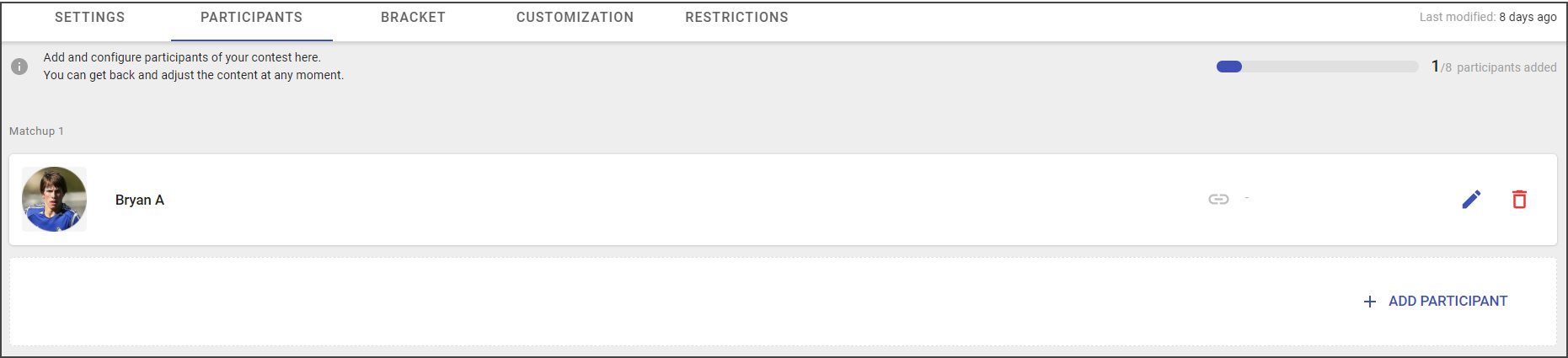
Campaign participants are the entities that compete against each other in the bracket.
The participant can be a person, team, or even a thing, depending on the nature of the contest you are running.
The number of participants depends on the bracket size:
- 64-size bracket has 32 pairs
- 32-size bracket has 16 pairs
- 16-size bracket has 8 pairs
- 8-size bracket has 4 pairs
The participants are grouped by two per single matchup.
Adding Participant
To add participants, do the following:
- Go to the Campaign list > Published.
- Click on the pencil icon.
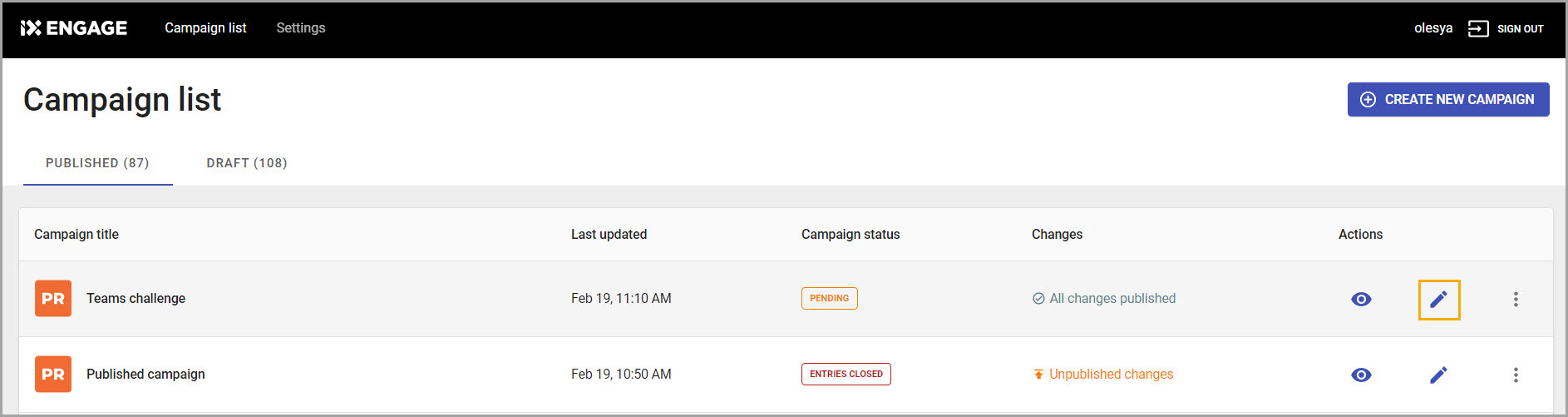
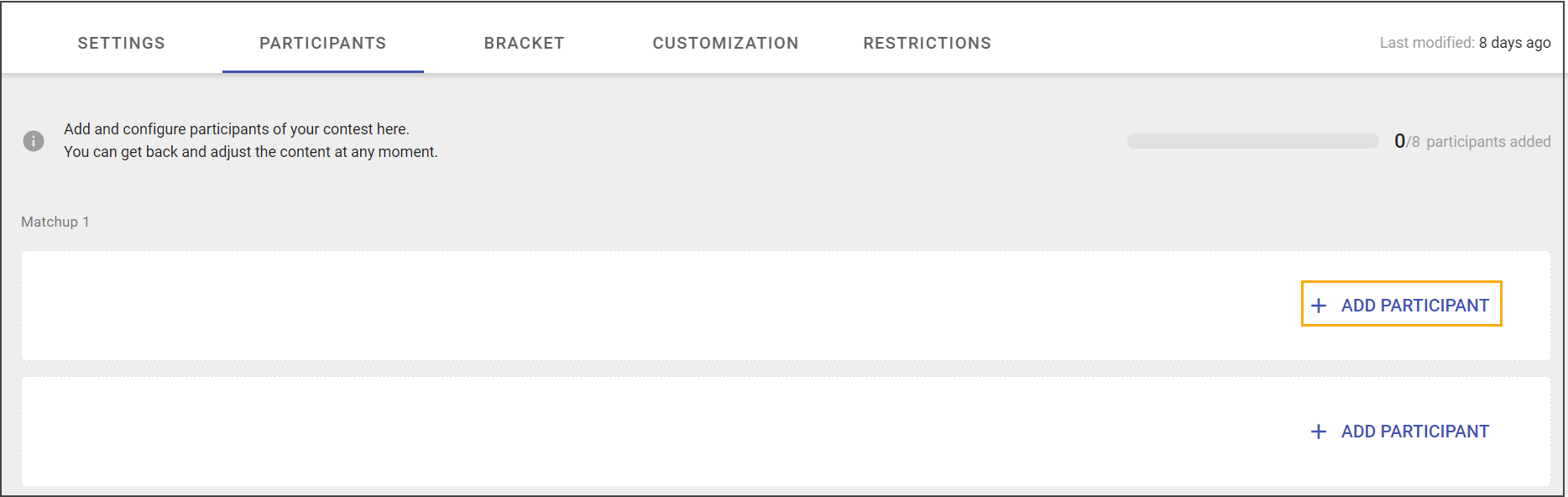
- Open Participants tab.
- Click Add participant.
- Upload participant image (optional field).
- Add the participant's Title (mandatory field).
- Include a brief description in the Subtitle section (optional field).
- Paste URL for the user to get more information about the participant (optional field).
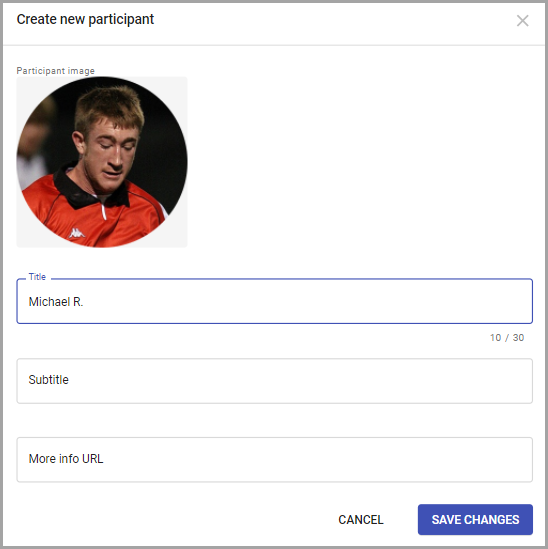
- Click Save Changes.
Note: Participants' order on the bracket corresponds to the order in the list. It can be changed in the Bracket Management section.
Editing Participant
Editing participant is possible at any campaign state. To edit participant:
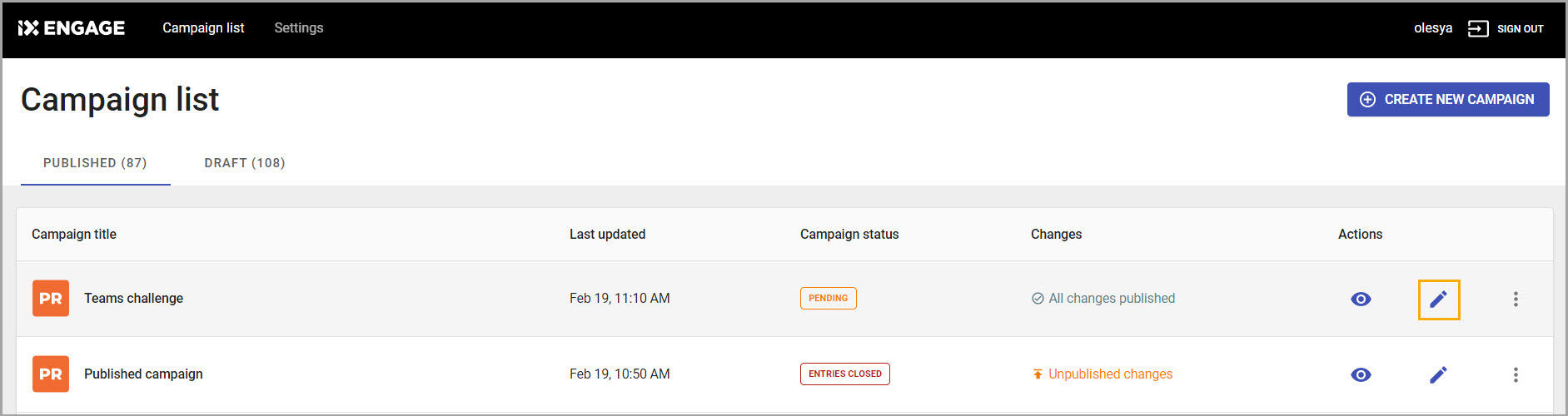
- Go to the Campaign list > Published.
- Click on the pencil icon.
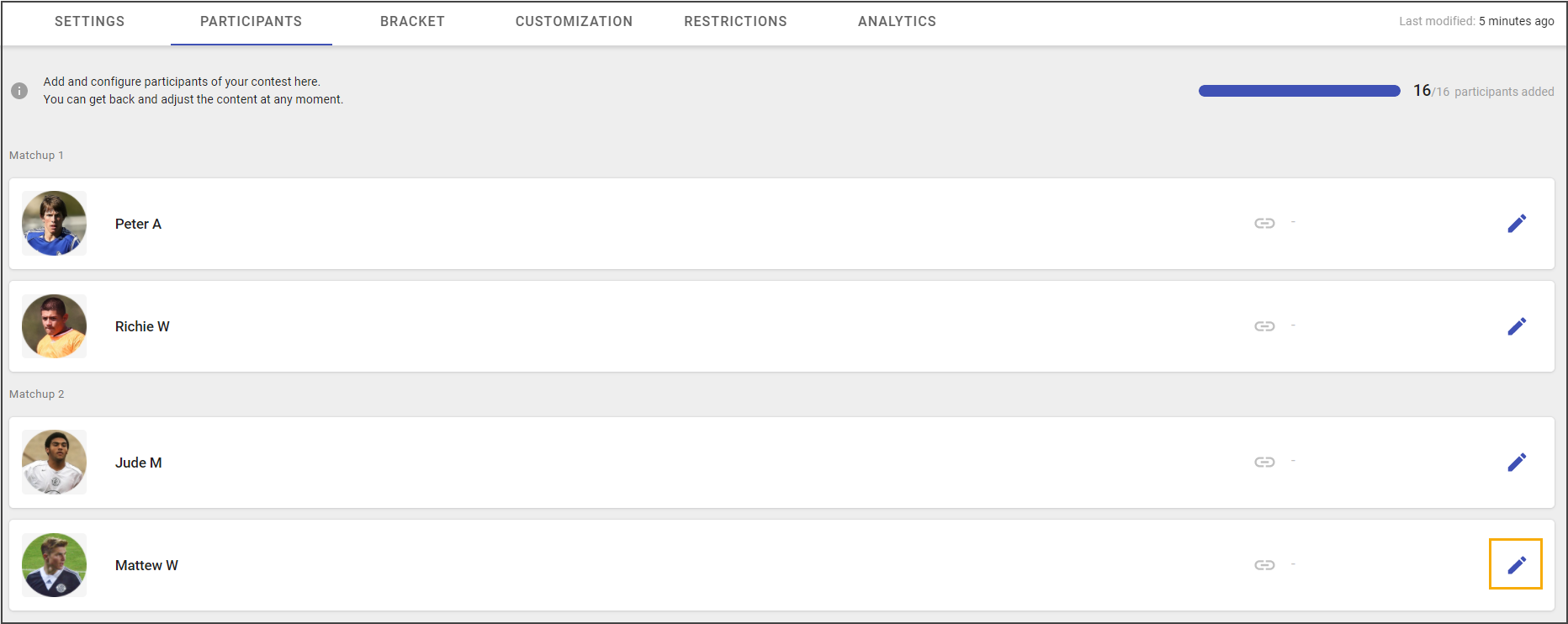
- Open Participants tab.
- Click on the pencil icon.
- Edit information in the pop-up window
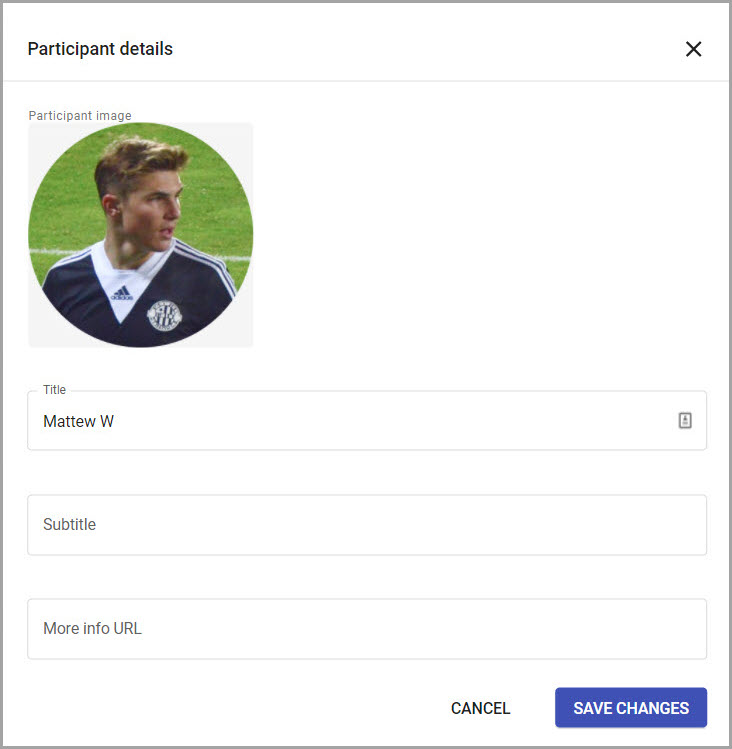
- Click Save Changes.
Removing Participant
Removing participants option is available only in the Draft state.
To remove participant, do the following:
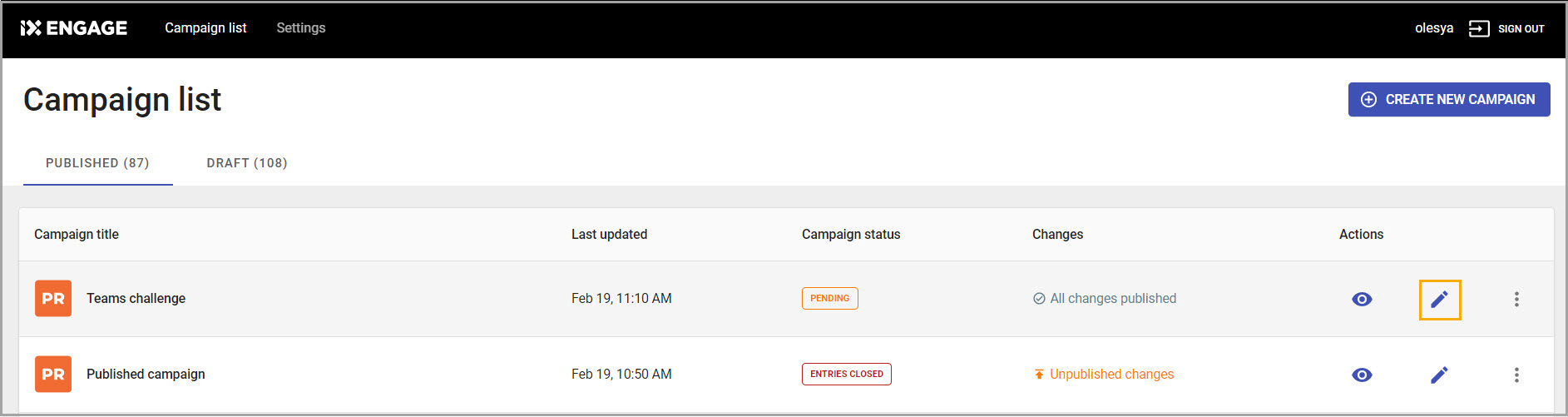
- Go to the Campaign list>Draft.
- Click on the pencil icon.
- Go to the Participants tab.
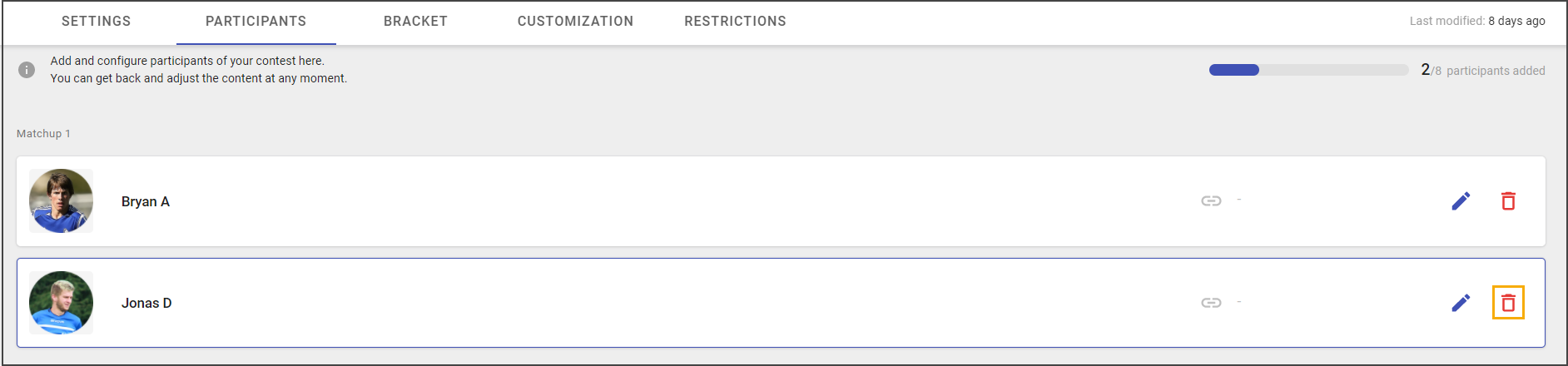
- Click on the trash bin icon.
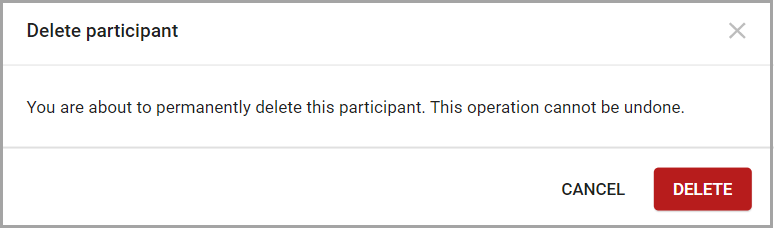
- Click on the Delete option.
After the participant deleted the option for adding a new participant will be available.