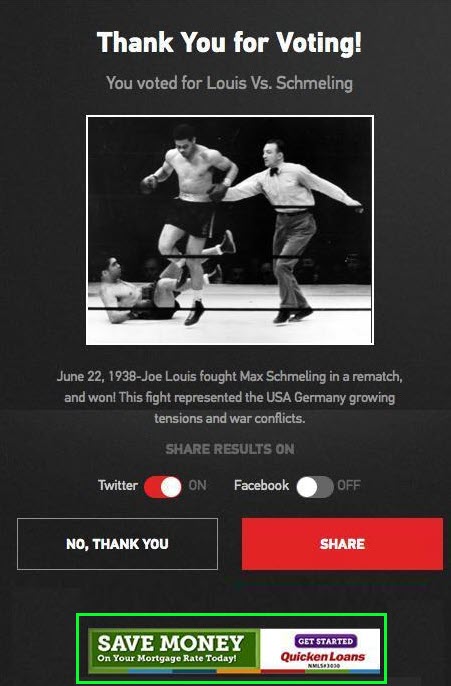
You can add your custom ad tags from your Ad Manager to the Ads section of your Bracket by pasting your ad tag into the applicable field.
The several standard ad sizes for desktop, mobile, and tablet are supported:
- 250x250
- 728x90
- 160x600
- 300x250
- 300x600 ad unit on the video modal.
All ad positions are optional.
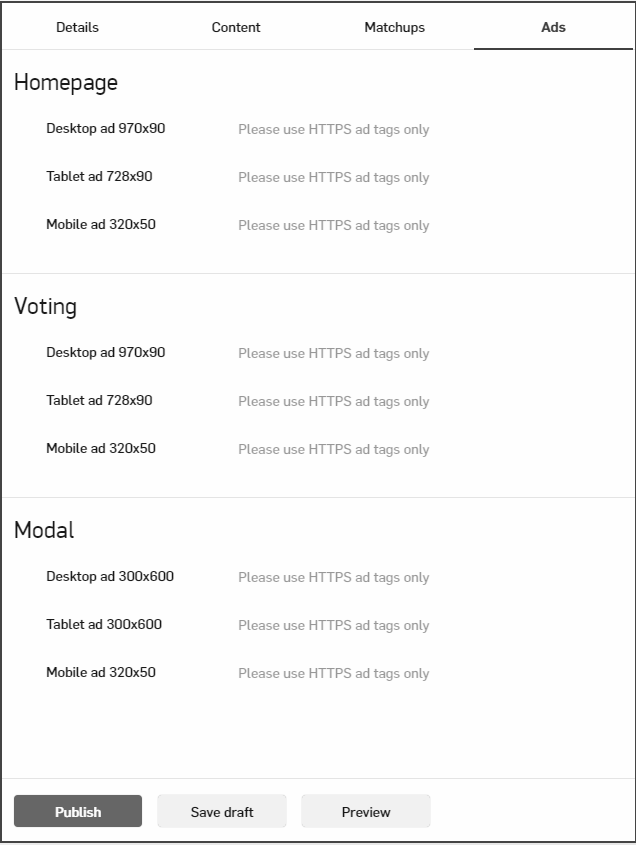
For each Ad position above, copy and paste applicable Ad tags from your Ad Manager.
For example, for Google Ad Manager, paste both tags generated for the ad unit in positions above:
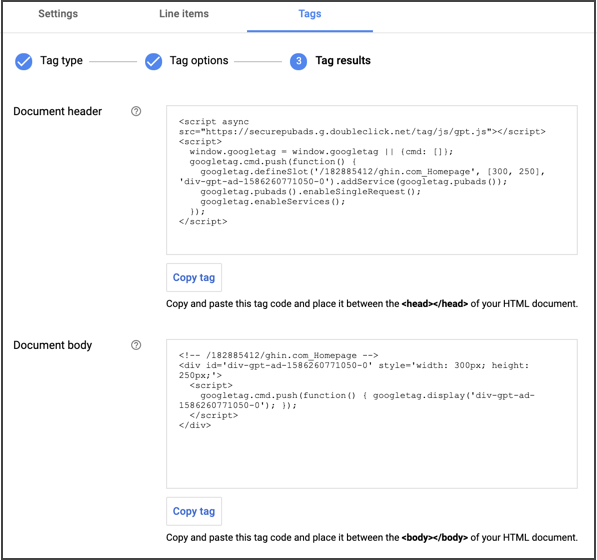
Home Page Ads
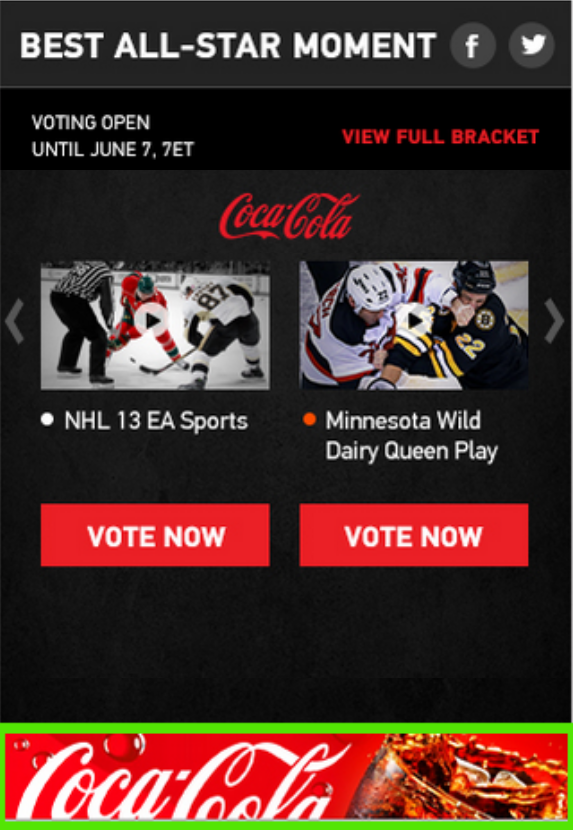
Home page ads look in the following way:
- Desktop
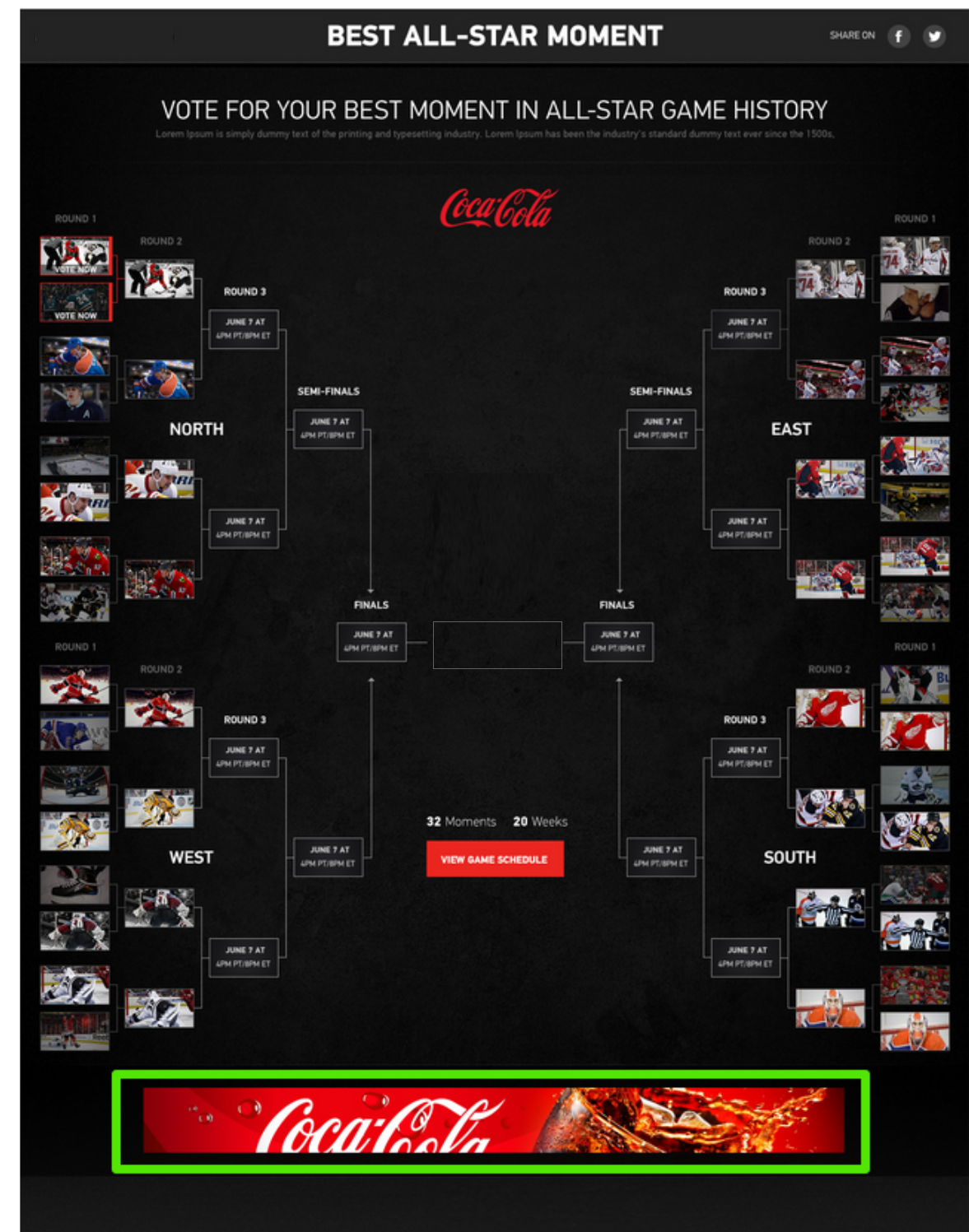
- Tablet
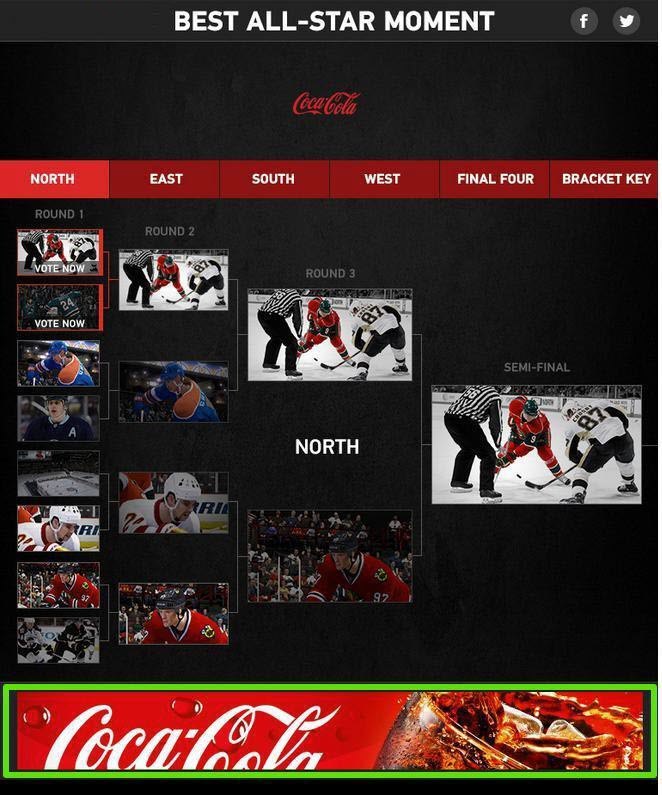
- Mobile
Voting Page Ads
Voting page ads look in the following way:
- Desktop
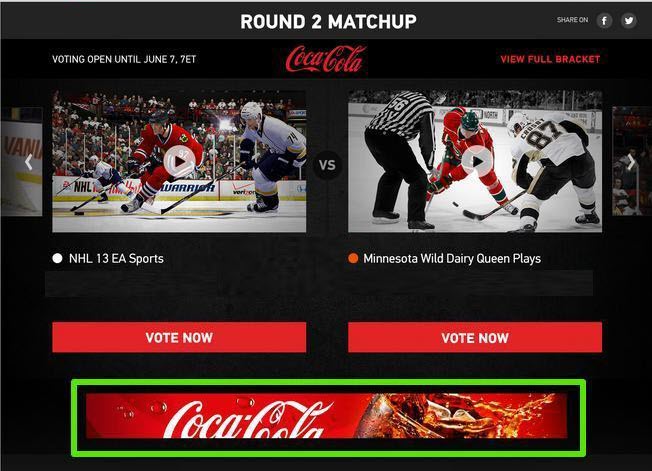
- Tablet
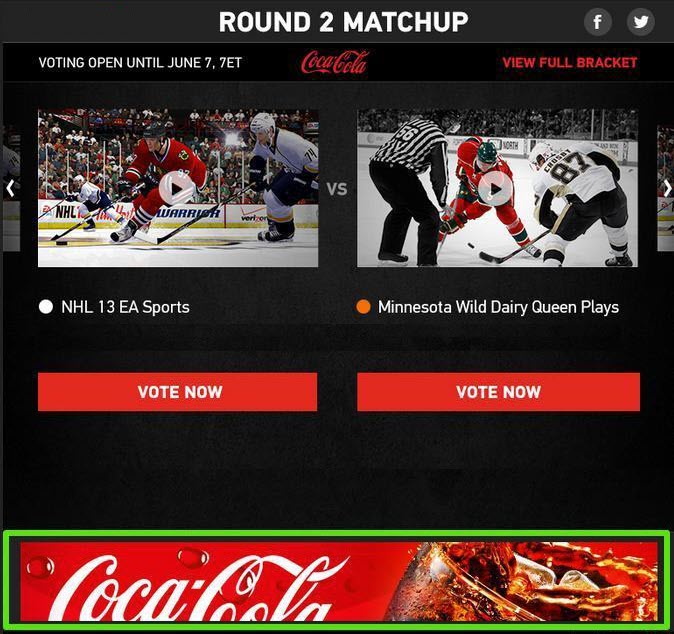
- Mobile
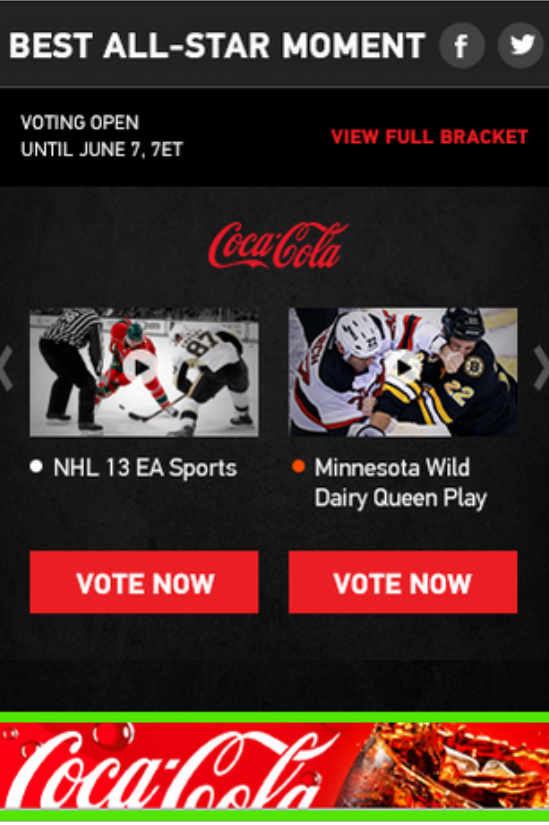
Take Over Ads
Take over ads look in the following way:
- Desktop
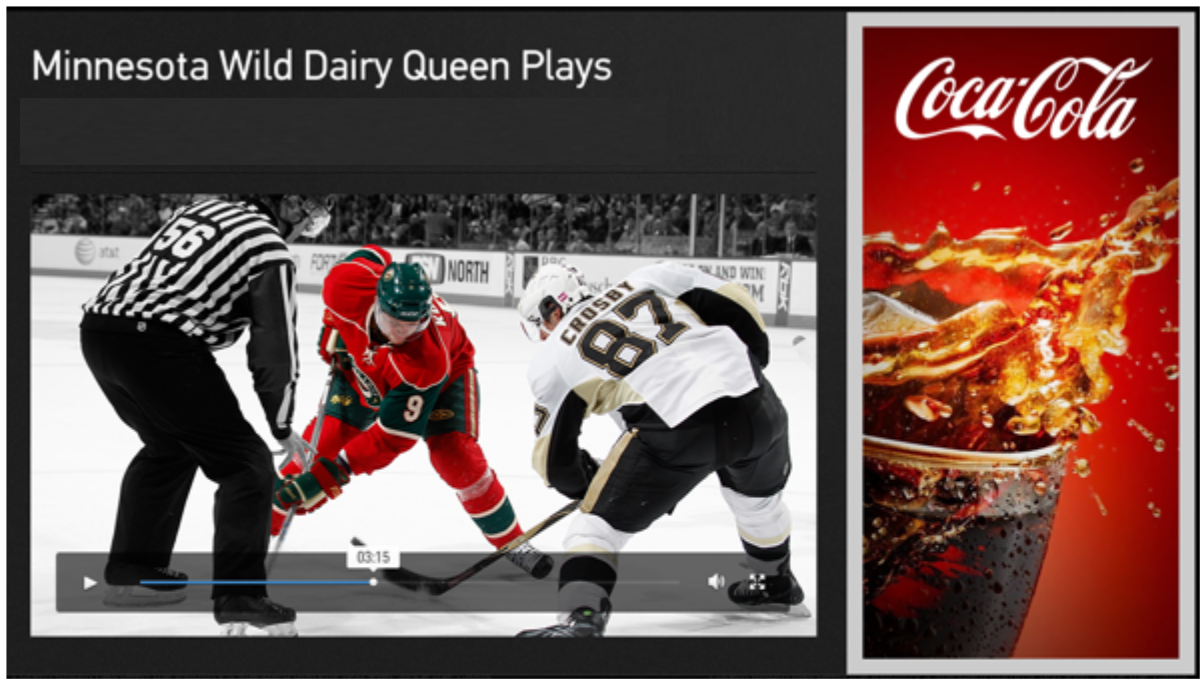
- Tablet
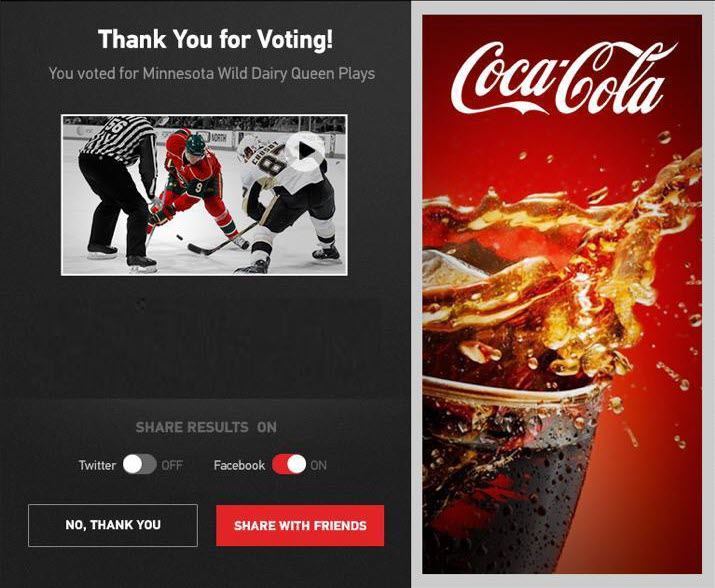
- Mobile