Matchup Setup
From the matchups tab within the admin access, you can configure:
- Matchup Details
- Regions
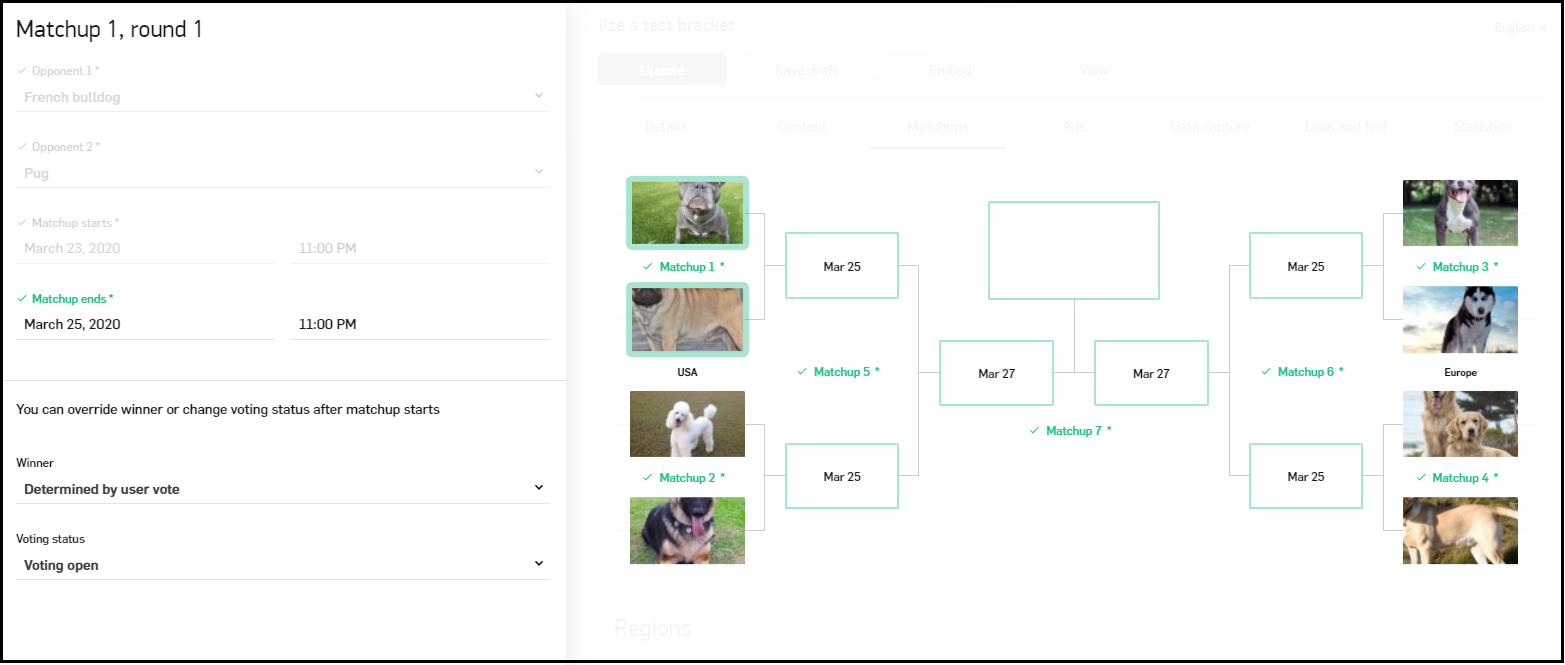
To edit matchup information do the following:
- Right-click on the matchup to configure its settings.
Matchup settings contain the following options:
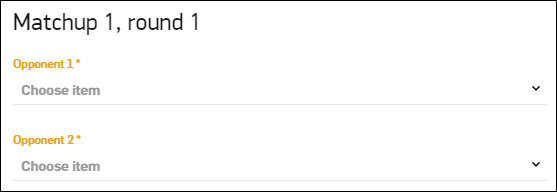
- Opponent is selected to choose the items the admin user wants for this matchup.
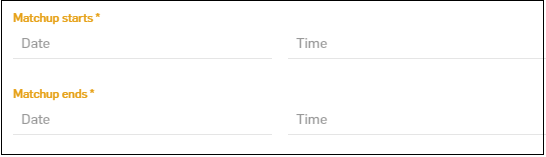
- Matchup Start Date and Time - used to change the start date and time.
Note: Start date cannot be in the past and cannot change once the start date has passed.
- Matchup End Date and Time - is used to change the end date and time.
Note: The end date cannot be before the start date and cannot change after the previously set end date has passed.
- Determined By
- Vote - determination based on user votes.
- Selection - selecting the winner.
Note: After the next round for the winner has started you will not be able to change how the vote is determined or who the winner of the match-up is.
This option is only active when the matchup is active and the next round has yet to start.
Naming Regions
Naming regions requirements are the following:
- The region name max size - 30 characters
- Not available for 8 choice brackets
- 2 Regions are available for 16 choice brackets
- 4 Regions are available for 32 and 64 choice brackets