To view the campaign statistics and analytics:
- Open the Statistics tab.
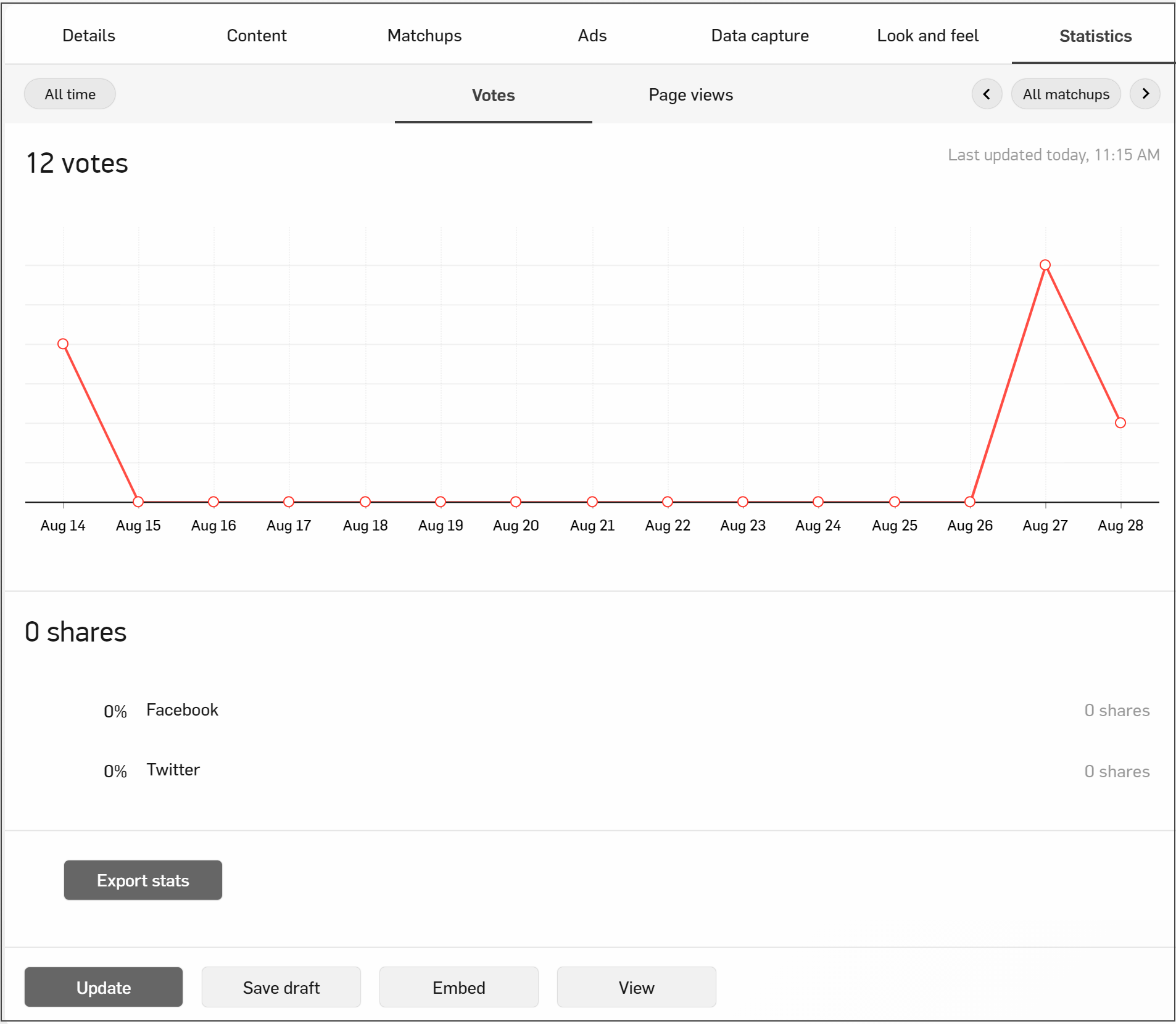
Admin can view:
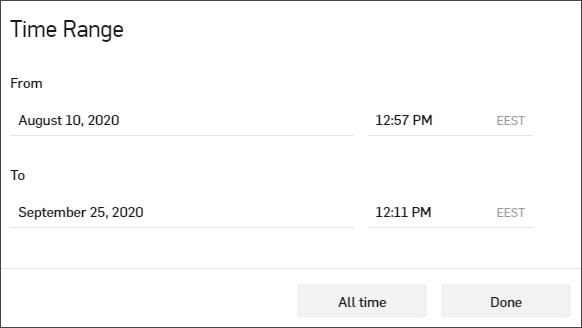
- The specific date range for the statistics on the page by clicking the button defining time period or they can select All time to see all data for the bracket.
- The number of votes for all matchups in the bracket.
- For any date and time selection, the number of votes, views, and shares can be exported into a CSV file and saved by the admin by clicking the Export Stats button.
- The number of Twitter and Facebook shares for the entire bracket.
- The page views for the bracket homepage.
Matchup Statistics View
Admin can view:
- The specific date range for the statistics on the page by clicking the button defining time period or they can select All time to see all data for the bracket.
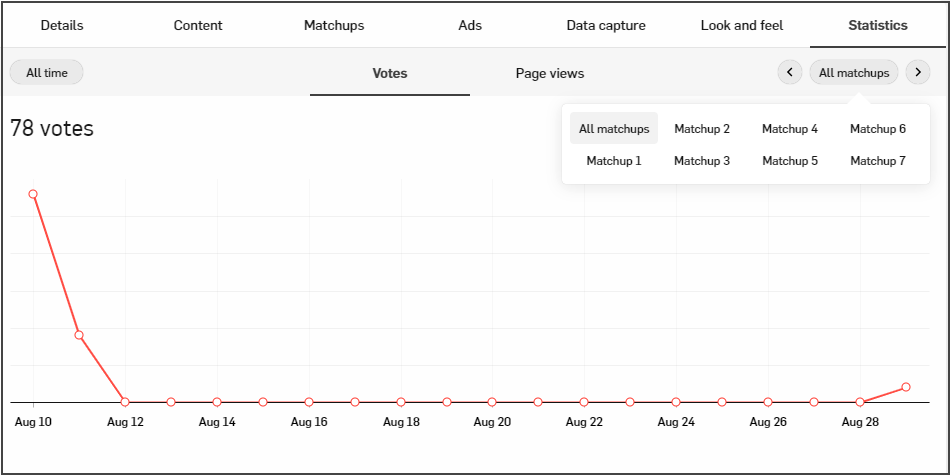
- The number of votes for each item within the selected matchup.
- For any date and time selection, the number of votes, views, and shares can be exported into a CSV file and saved by the admin by clicking the Export Votes button.
- The page views for the selected matchup.