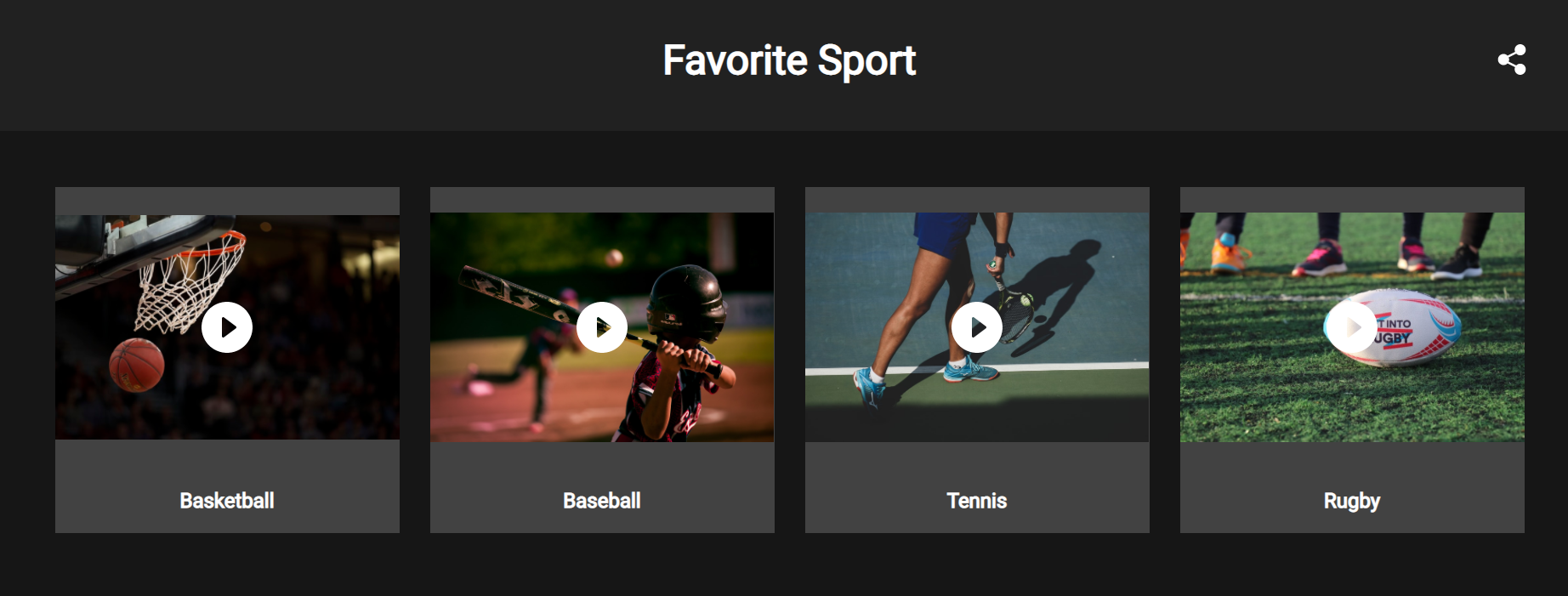
Choices are set up in the Choices tab. Here you could add from 2 up to 64 choices.
Every choice could contain an image, title, description, and link.
To add a choice do the following:
1. Go to Choices and click Add Choice.
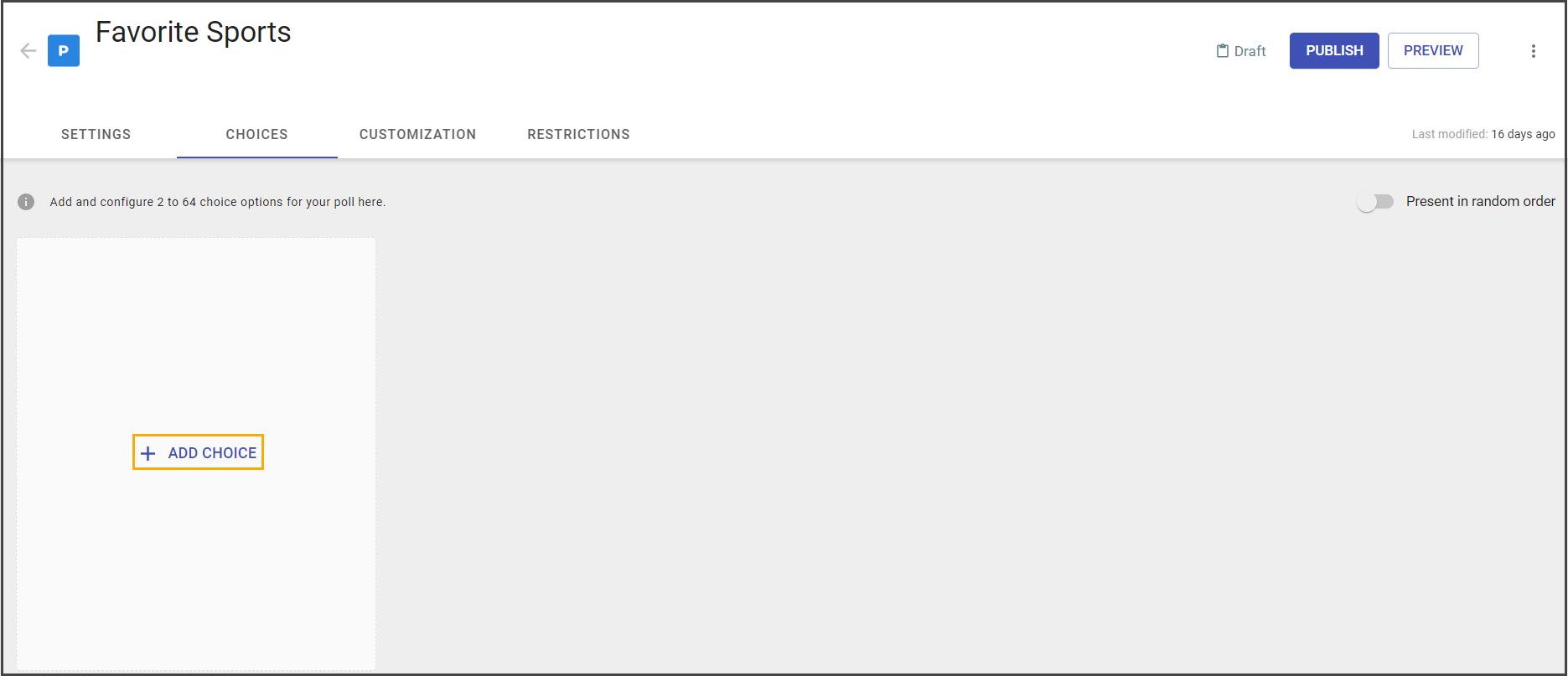
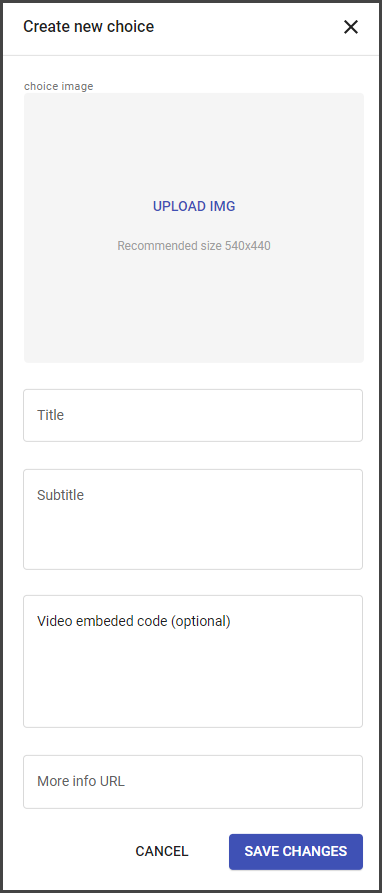
2. Add image and title.
To provide more information about each choice add a description, video embed, and link to the webpage that contains more information.
Note: The added video will be available for the preview from the end-user widget after clicking on it.
Supported video hosting platforms are:
- Youtube
- Vimeo
- Dailymotion
3. Save changes.
Choices could be added to the campaign at any state, but if the campaign is published choices could not be removed.
As soon as the choice added to the published campaign and changes saved, it becomes available for voting.
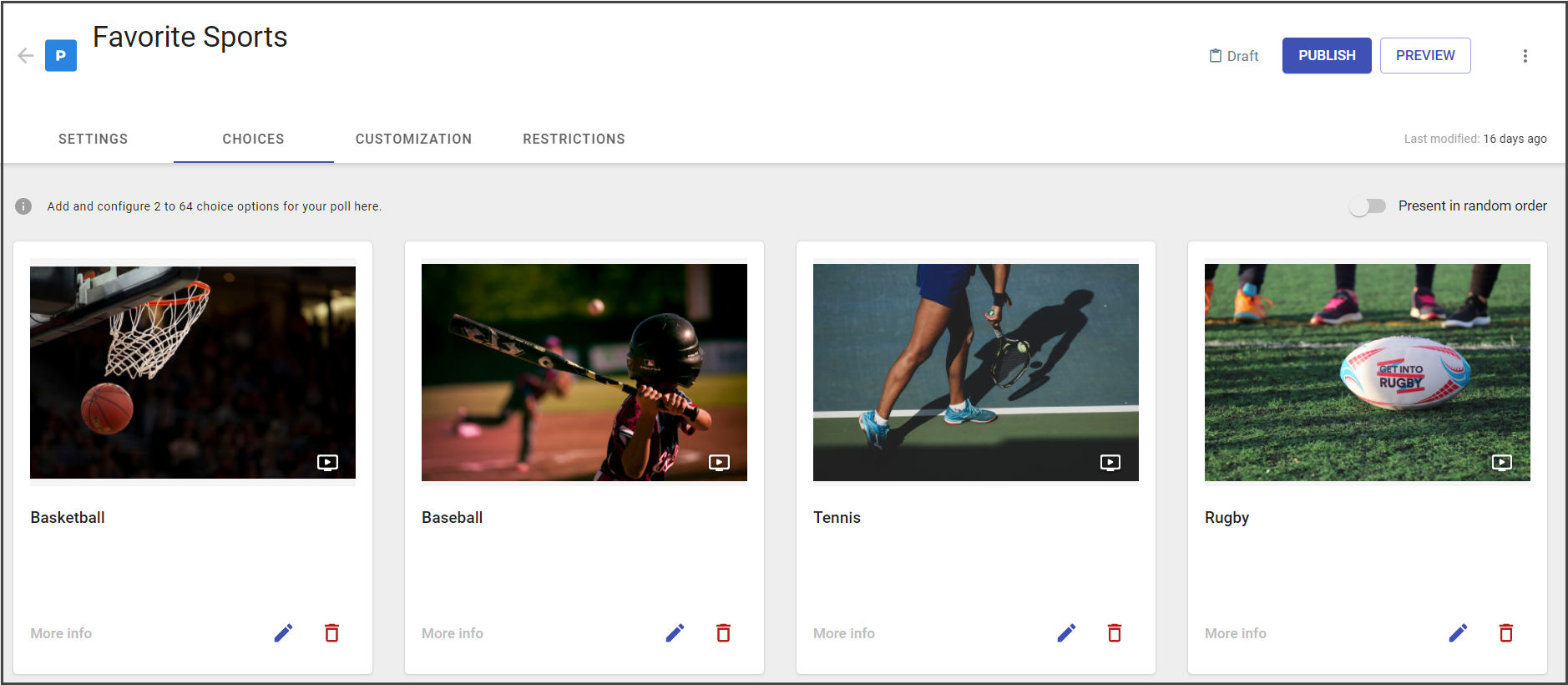
Choices could display at the widget in the initial order (the way they were added) or in random order.