Poll settings contain:
Campaign settings
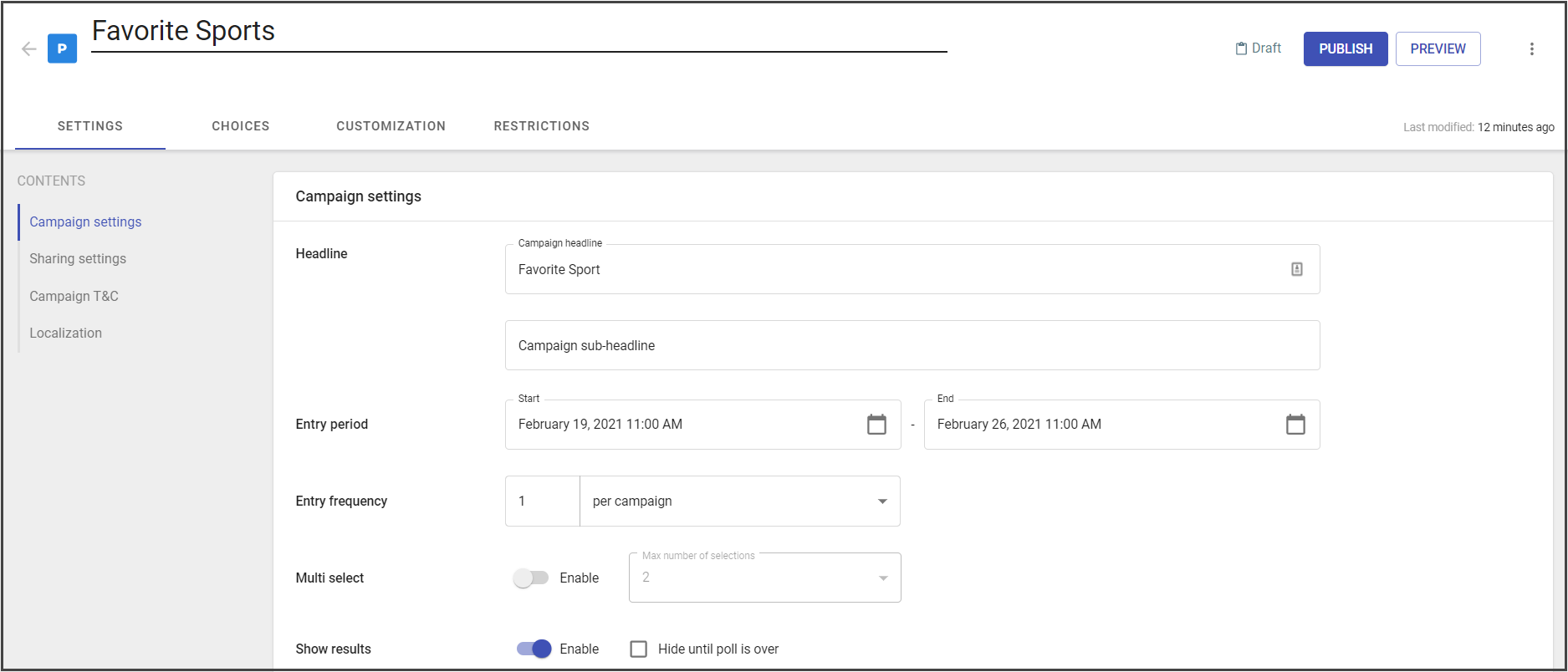
Campaign settings contain general settings for the poll campaign. They are:
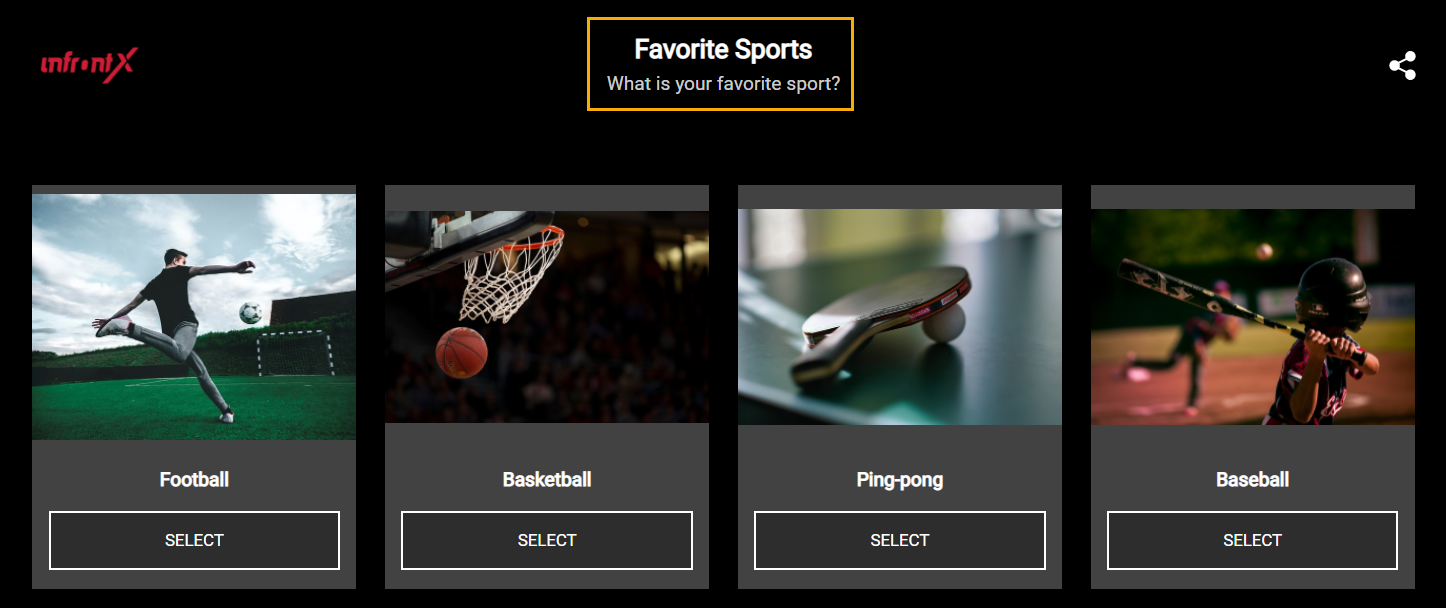
- Headline - the headline that displays on the widget.
- Sub-headline - sub-headline that displays on the widget.
- Entry period - the period that identifies the period for collecting predictions from users.
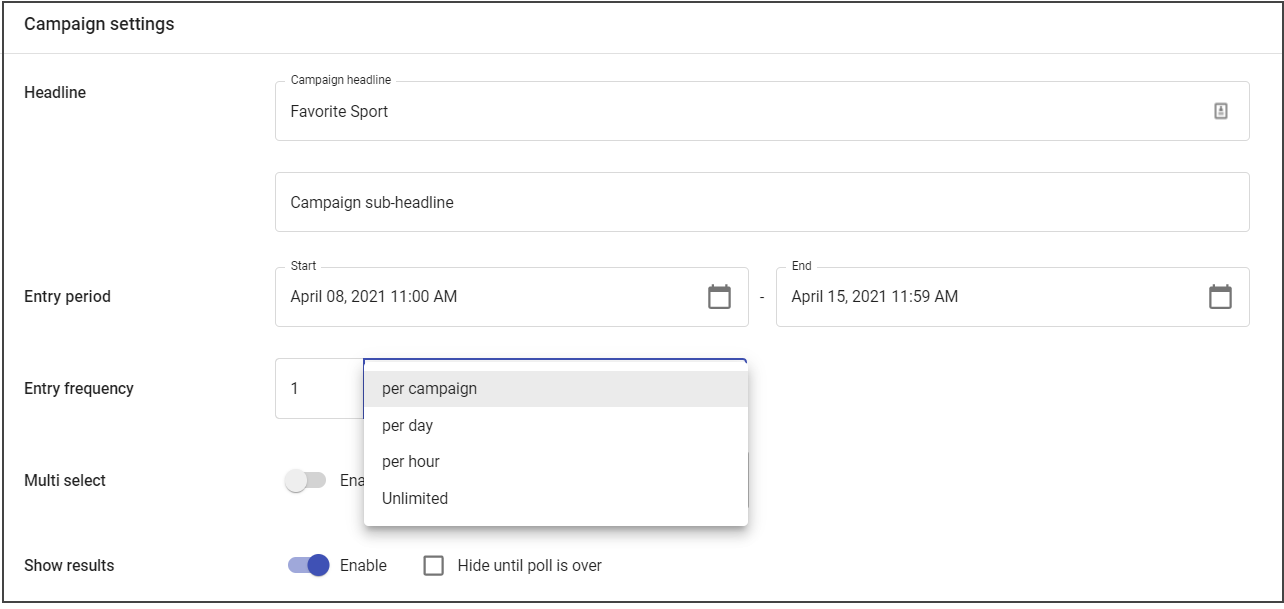
- Entry frequency - the option limits how many entries a user can have during the campaign.
You can add the custom entry frequency by adding the number of entries and the frequency criteria:
- per campaign
- per day
- per hour
- unlimited
Note: The frequency period starts after the moment of the first entry submission by the user.
- Multi-select - the possibility to select several voting options. It varies from 2 to 64.
- Show results - the results display after the vote. (Can be enabled, disabled, or hidden until the poll is over).
Headline locates at the central upper part of the widget:
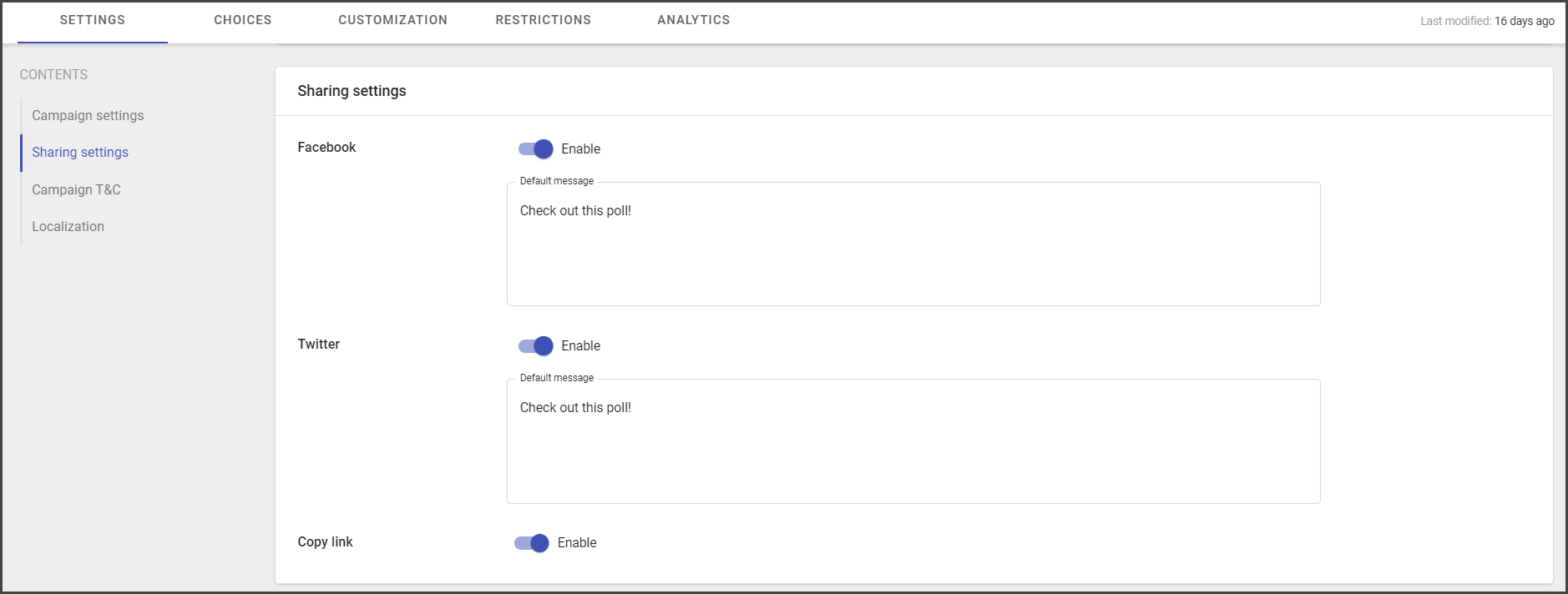
Sharing settings
- Facebook settings can be enabled or disabled and you can set up the default message for sharing.
- Twitter settings can be enabled or disabled and you can set up the default message for sharing.
- Copy link option can be enabled or disabled for end users.
Sharing settings are available from:
- Sharing option
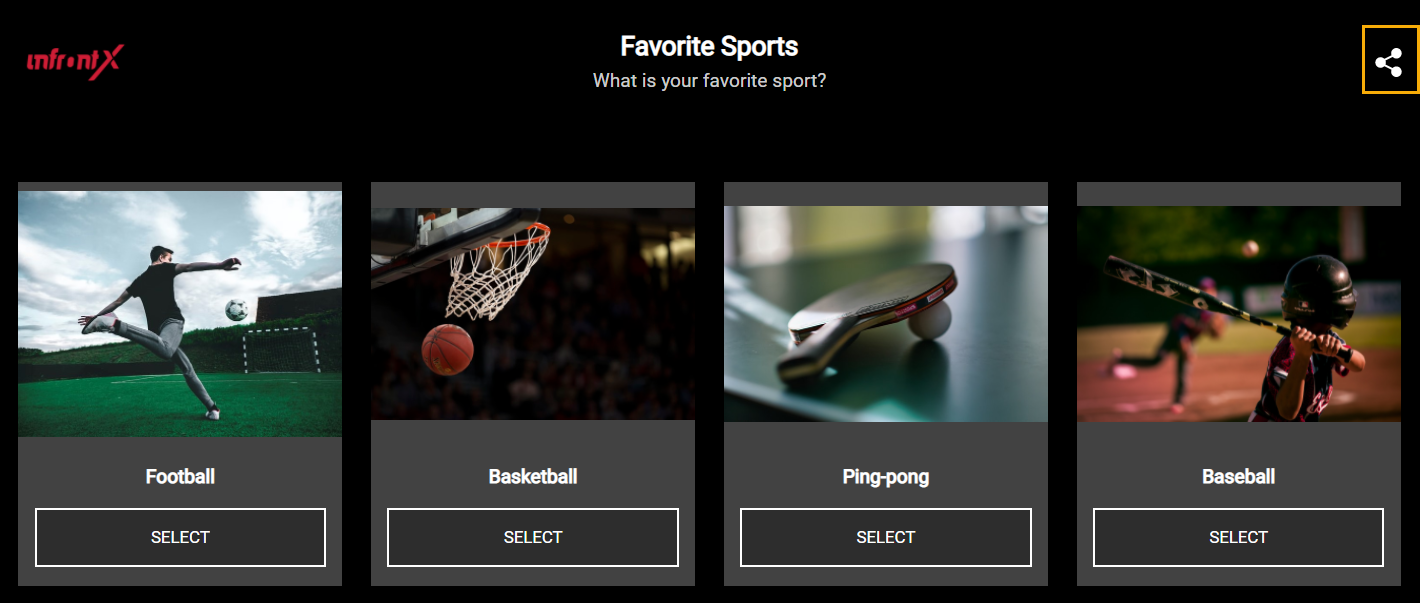
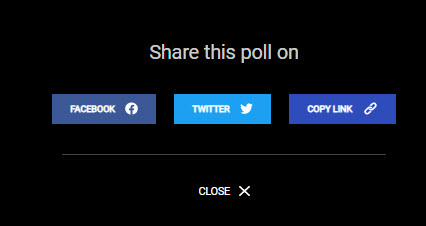
After clicking on sharing option the following screen will appear:
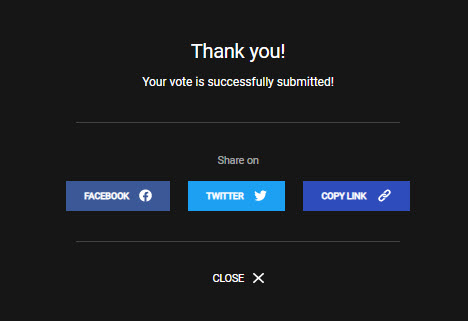
- Thank you screen, that appears after submitting choices also contains sharing option.
Campaign T&C
- Enable T&C link toggle - the option for enabling the T&C link for the widget.
- T&C link text - contains the call to action text for Terms and Conditions text.
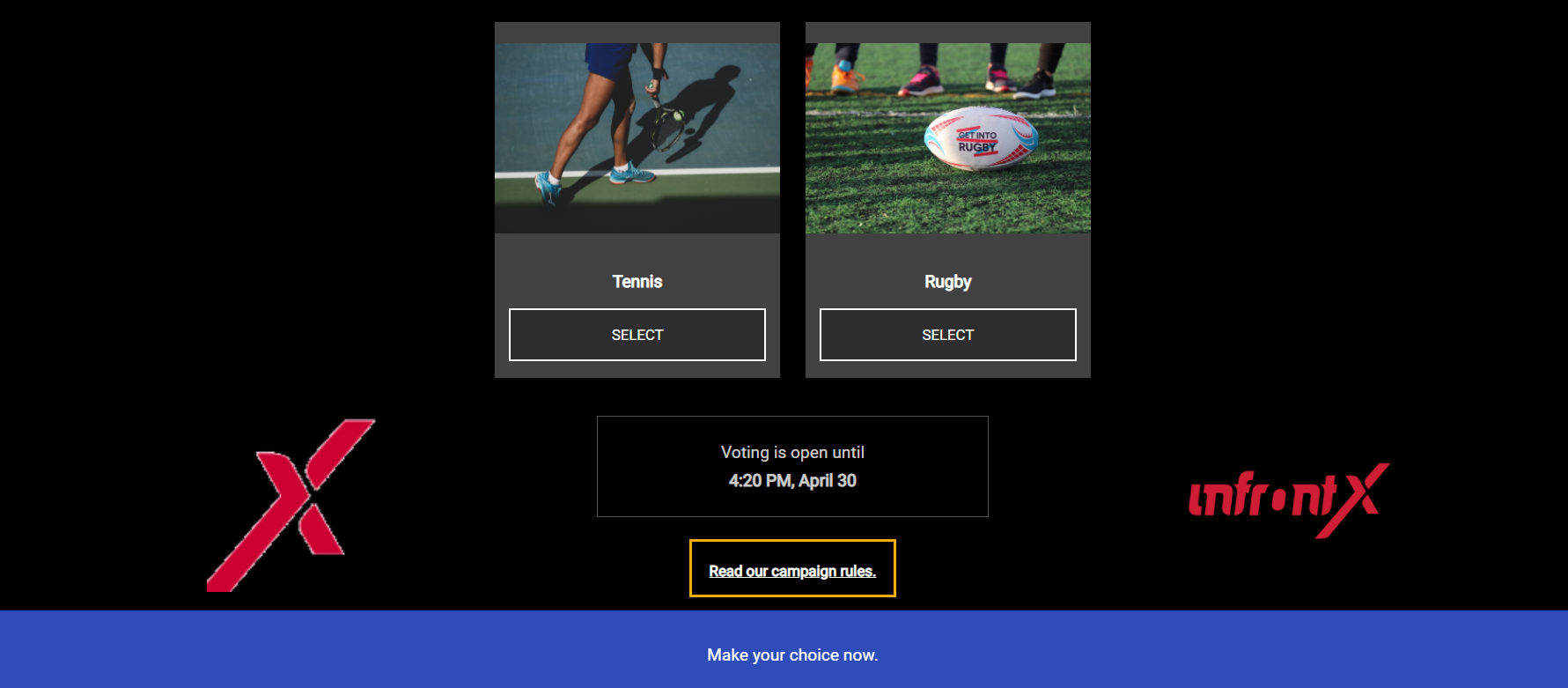
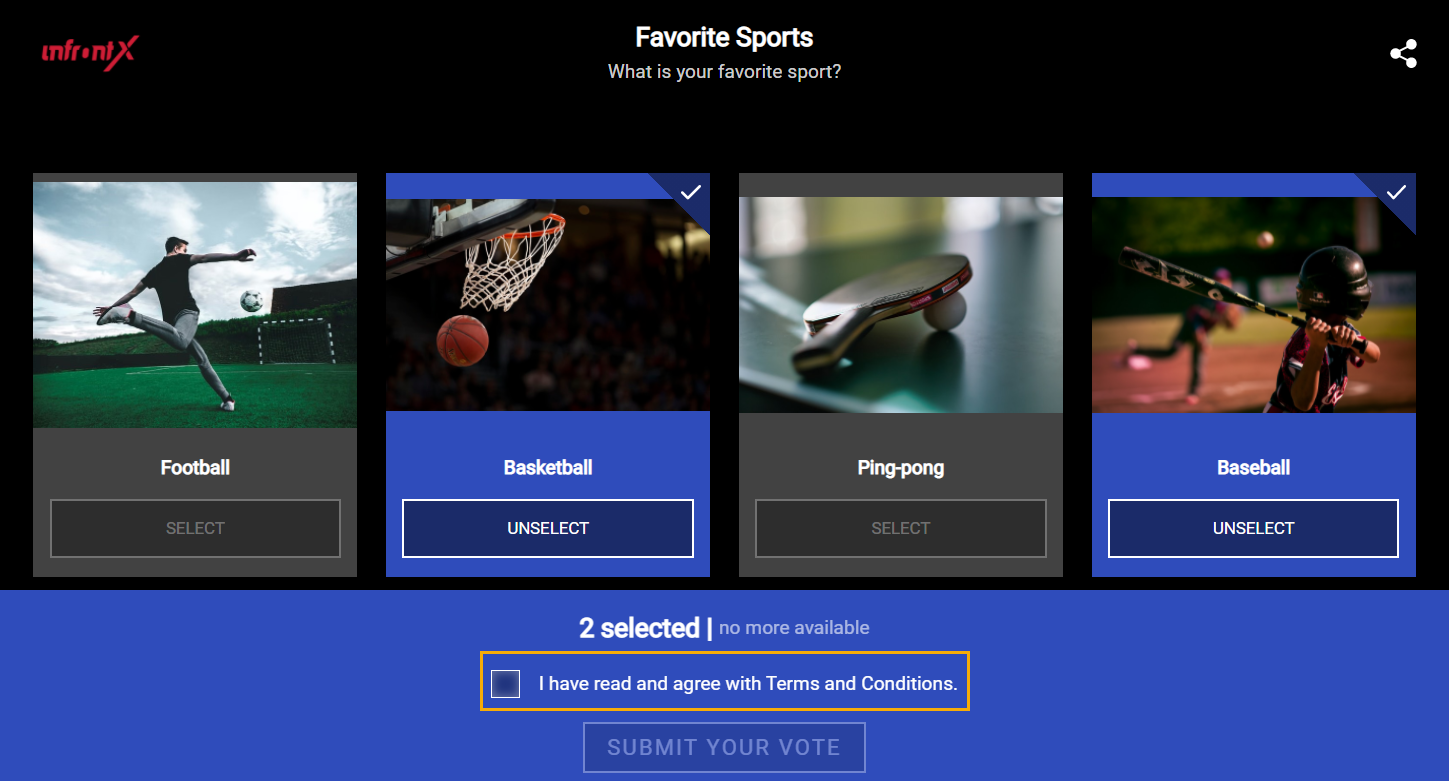
- Request T&C consent toggle - the option for enabling T&C consent request at the moment of entry submission.
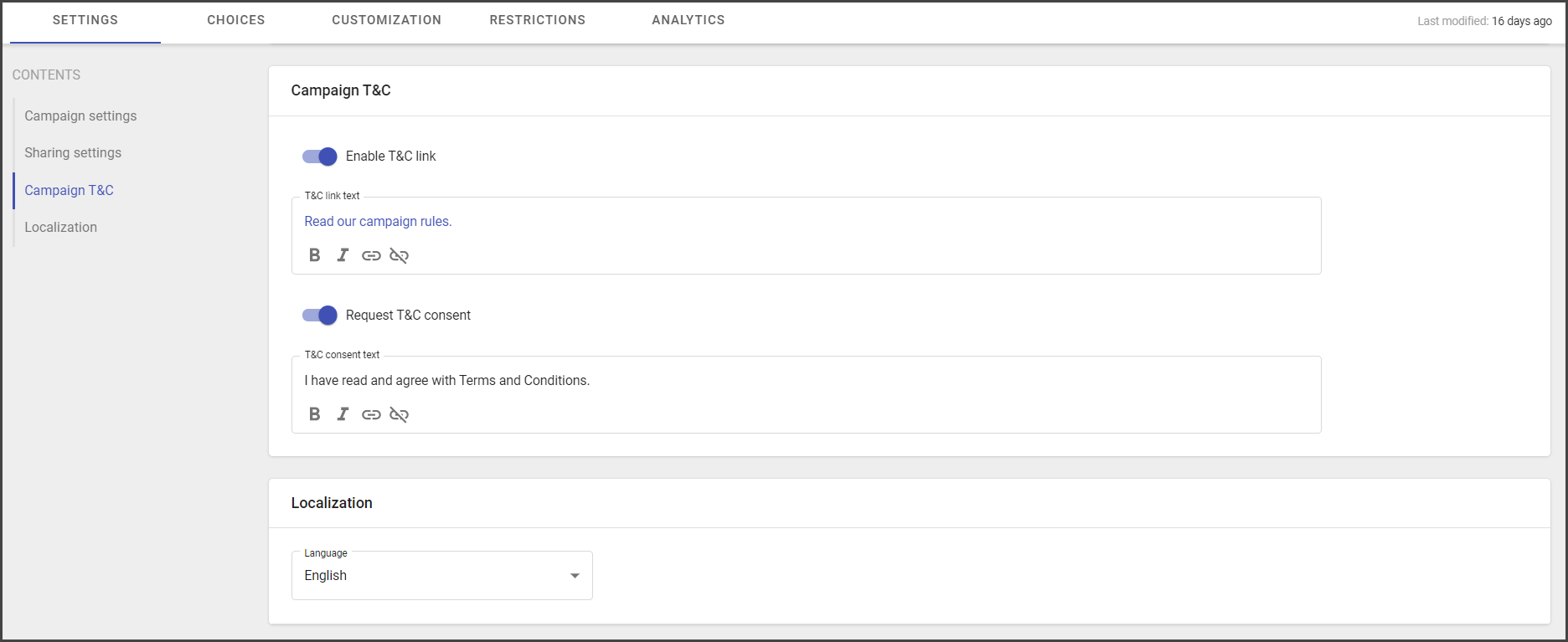
- T&C consent text - the consent message text, for example, the confirmation of terms and conditions acceptance.
- Localization - the option for choosing Poll language.
Currently, three languages are available:
- English
- French
- Chinese
Poll also contains:
- The editable title and description.
- The time when a campaign was last modified.
