Once a campaign is published, you can add the widget to any section of your website or app via embed code.
To get embed code, do the following:
- Open misc menu for the campaign you want to add to the webpage. Note, that the campaign should be already published (see more in this article).
- Click Get embed code.
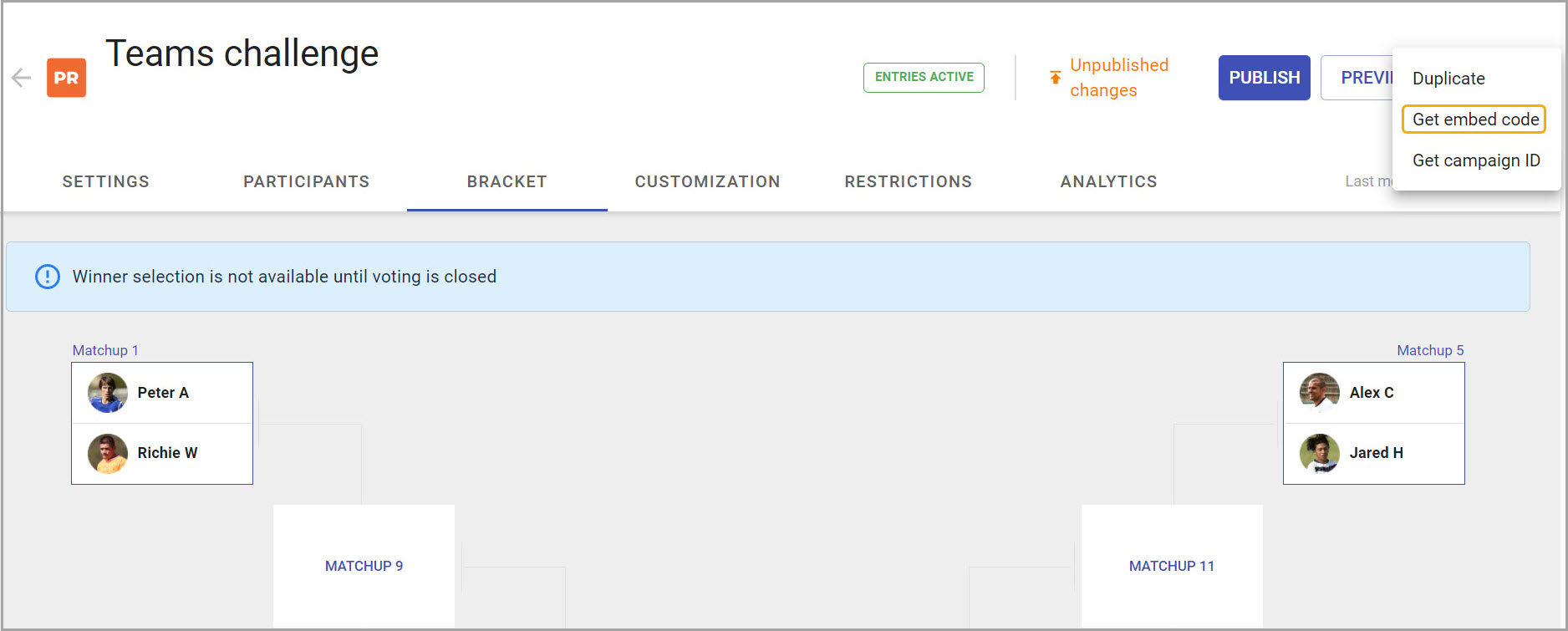
- The code will copy to the clipboard and be available for adding to the page.
- Add the embed code to the page using your CMS admin interface.