The campaign can be created and set up from scratch, or duplicated from the existing one.
The new campaign should be fully set up. The duplicated campaign contains identic settings to the one it was duplicated from.
Creating the New Campaign
To create a new campaign complete the following steps:
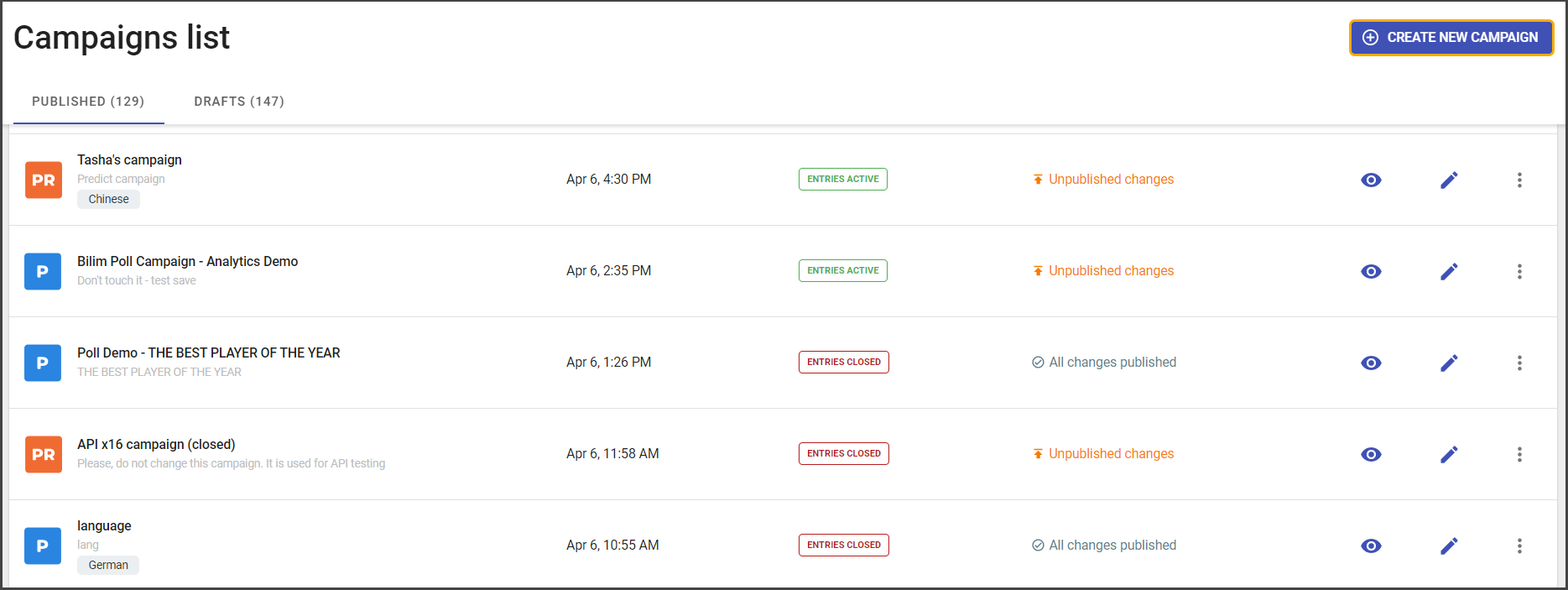
- Open admin panel.
- Click on Create New Campaign.
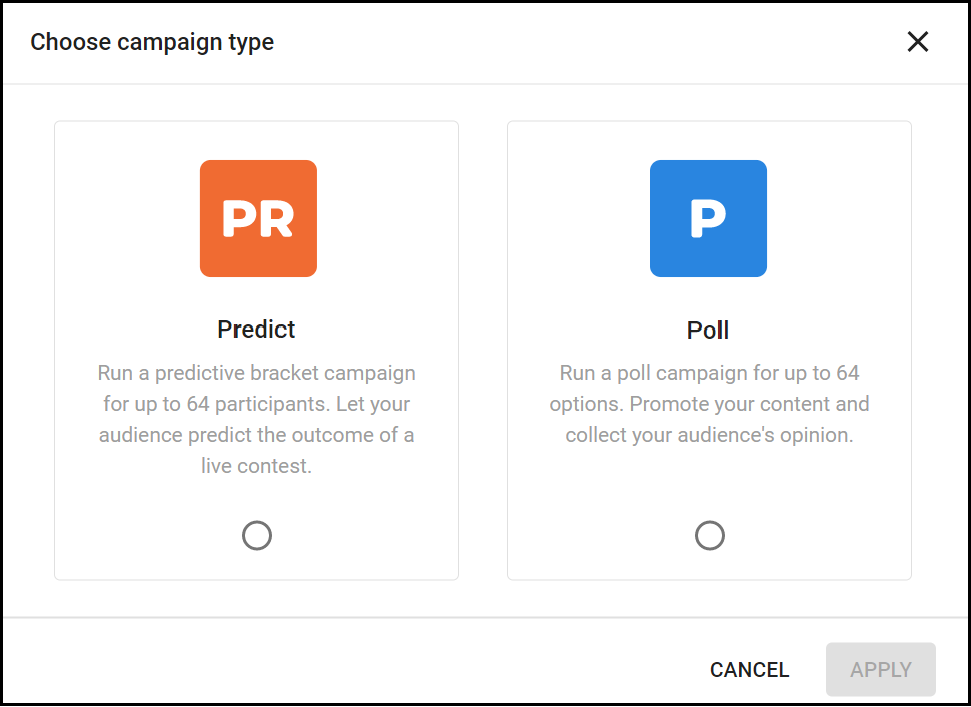
- Choose a campaign type.
- Add campaign name and description.
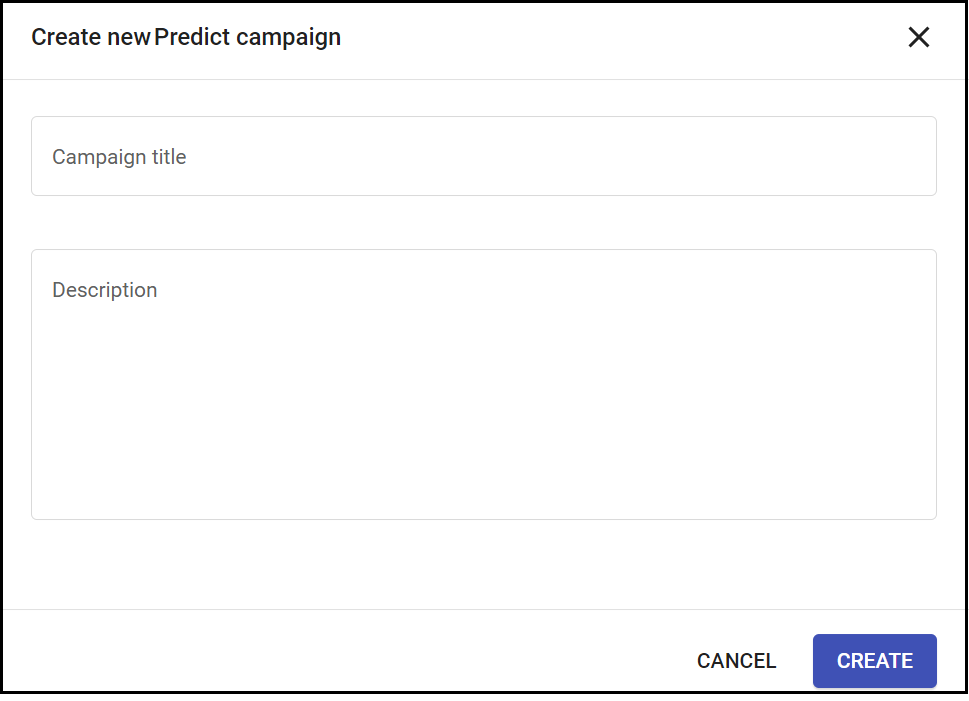
- Click Create.
Finally, the campaign is created. Next, the campaign profile opens and you can add settings for Predict or Poll campaign.
The created campaign will be in the draft state.