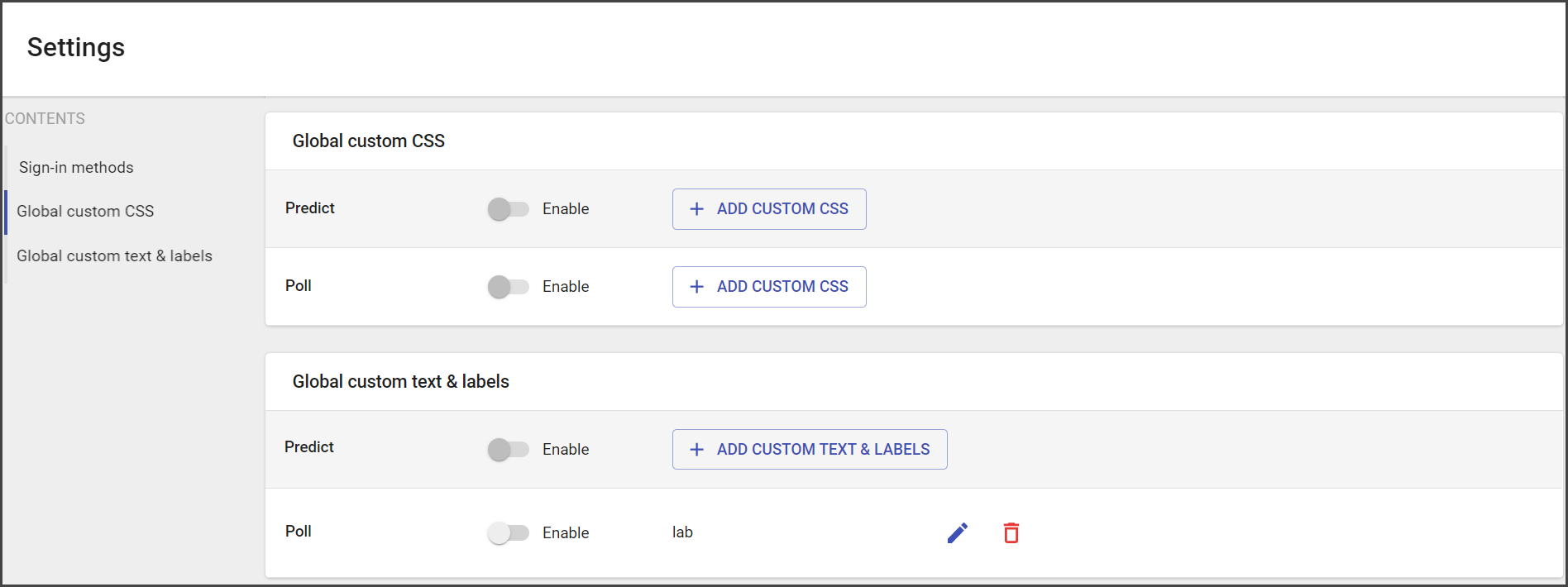
In General Settings, you can set up:
- Sign-in methods
- Global custom CSS
- Global custom text and labels
Sign In Methods
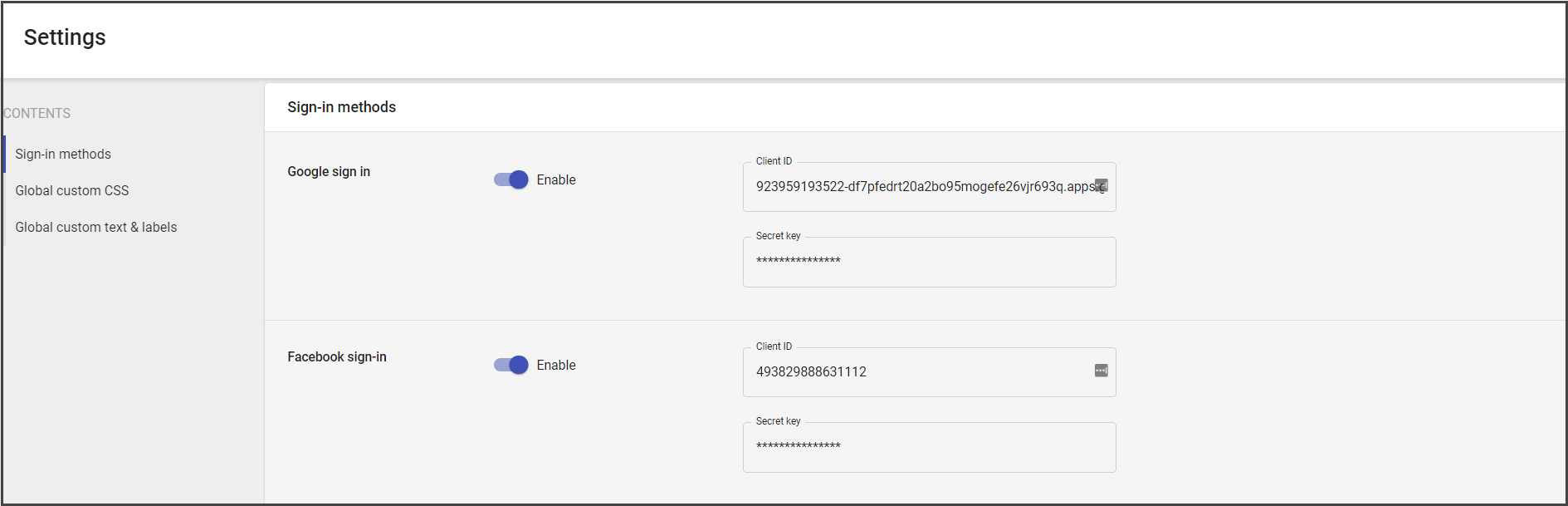
Currently, two sign in methods are available:
- Google sign in
- Facebook sign in
Additionally, a Custom sign-in method could be added.
If you need a Custom sign-in, contact Support.
The needed sign-in method should be enabled in general settings to be available for sign-in before submitting the choice on the widget.
To set up the Sign-in it is necessary to add the Client ID and Secret key to the corresponding fields.
The Google sign-in setup is available on the following page.
The Facebook sign-in is available on the following page.
Global Custom CSS, Text, and Labels
Global Custom CSS is available for Predict and Poll campaigns.
It should be added in the pop-up window and enabled in the global settings.
To get more information about the Global custom CSS, see the following page.