The widget preview helps to visualize the end-user widget and see whether its visual presentation meets your expectations.
If you need to make some changes, or not sure how the widget will look like, use the Preview option.
The preview is available at any moment and represents the configuration that was saved.
There is no need to publish changes to see them on the preview.
Unsaved changes don't impact the widget on the preview.
Preview in campaign profile
To preview the widget, click Preview.
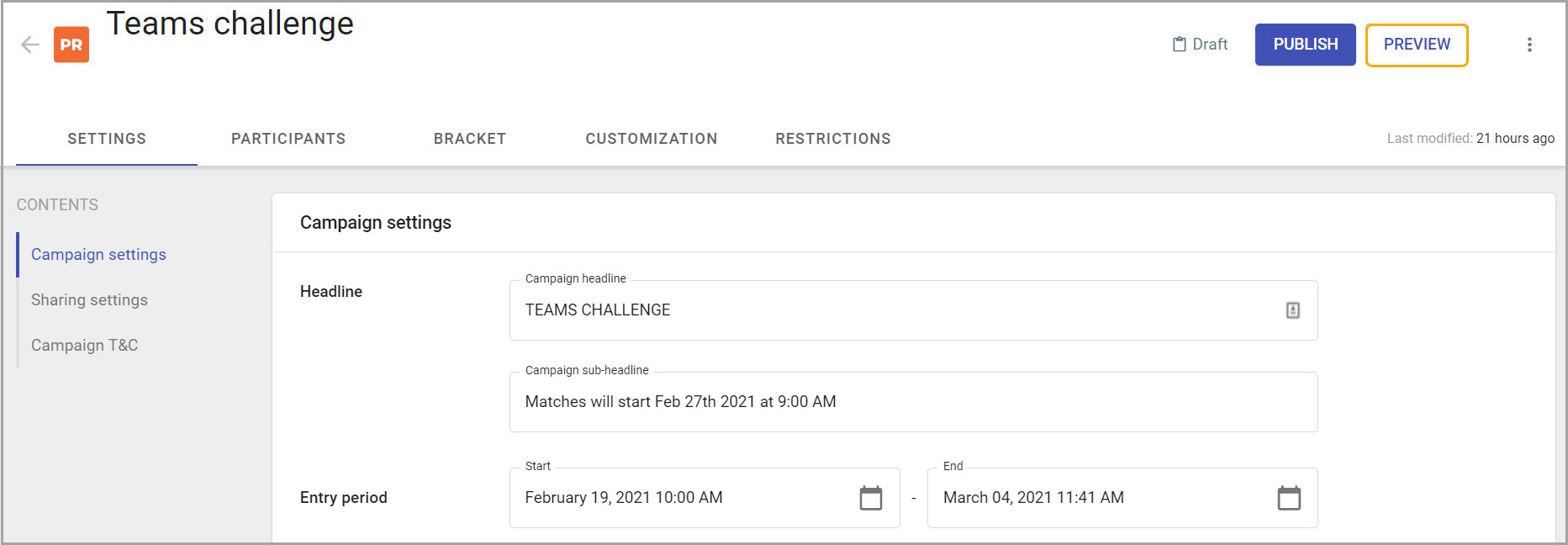
You will see the widget on a separate tab.
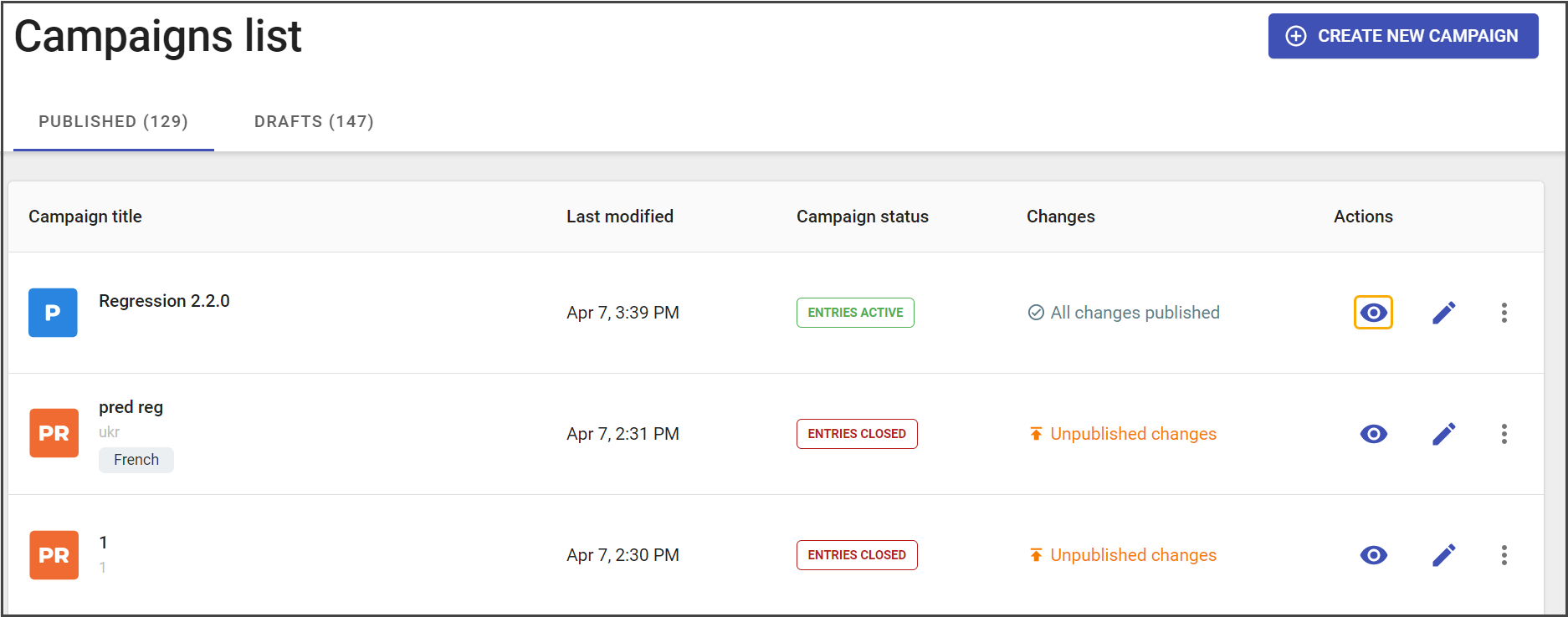
Preview in the campaigns list
The Preview option is available both for Published and Drafts campaigns lists.