To save time for setting up all changes for the new campaign, you can duplicate the existing one.
This process is fast and time-saving, as you will need to just change the settings that differ from the campaign you have duplicated.
To duplicate the campaign:
- Go to Campaign list.
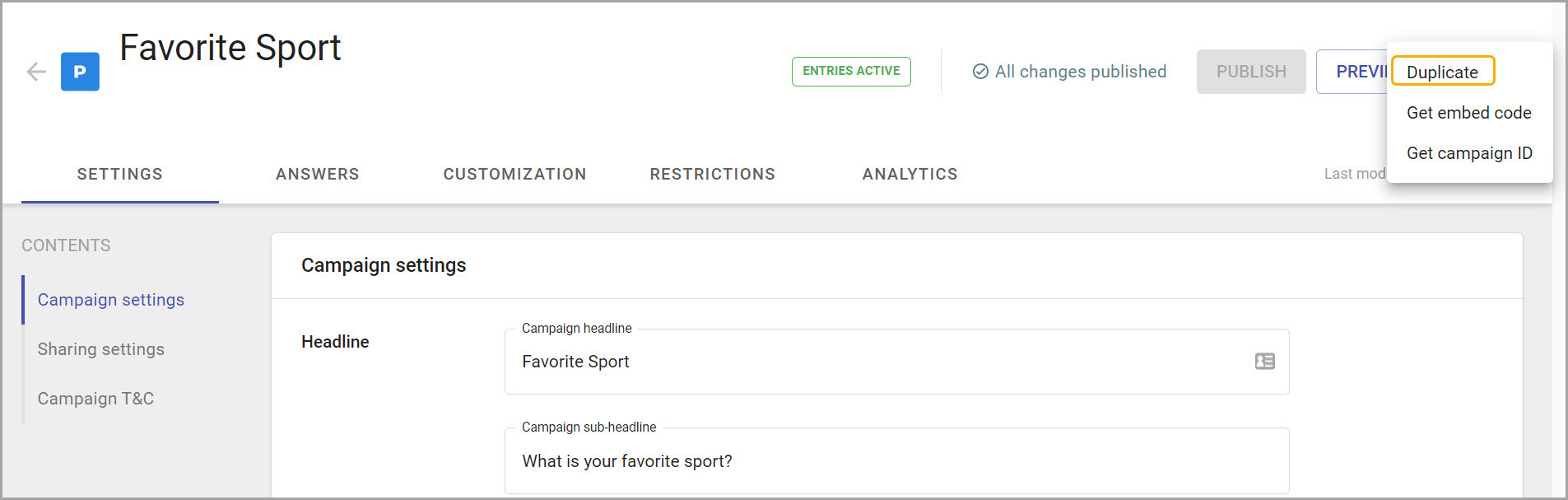
- Choose a campaign and click on more options.
- Select the Duplicate option.
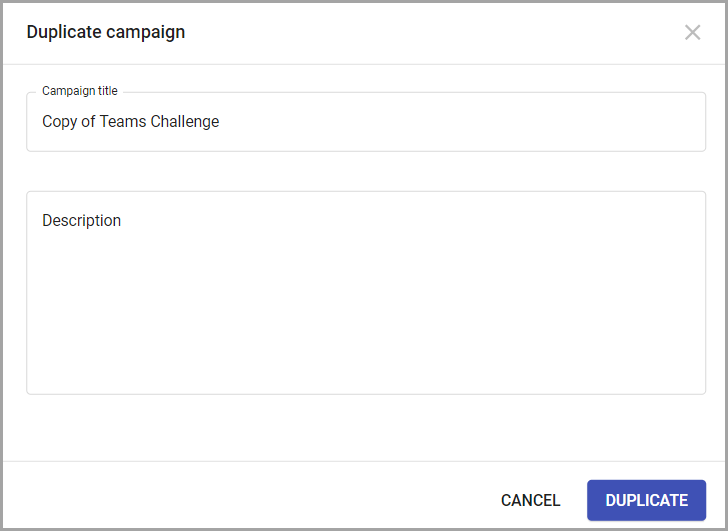
- Add campaign name and description (if needed)
- Click Duplicate.
After those steps, the campaign profile will open.
All duplicated campaigns are automatically saved in the Draft state until published.
All configurations and content will be copied from the original campaign, except the collected entries and selected winners - they are not populated to the duplicated campaign.