The Global custom CSS config applies the customization across all campaigns of the selected type.
The global custom CSS settings are available in the Settings tab.
If you need to set up the global custom CSS for your campaigns contact Support.
To set up global custom CSS, do the following:
- Open the Settings tab of the admin panel.
- Go to Global custom CSS.
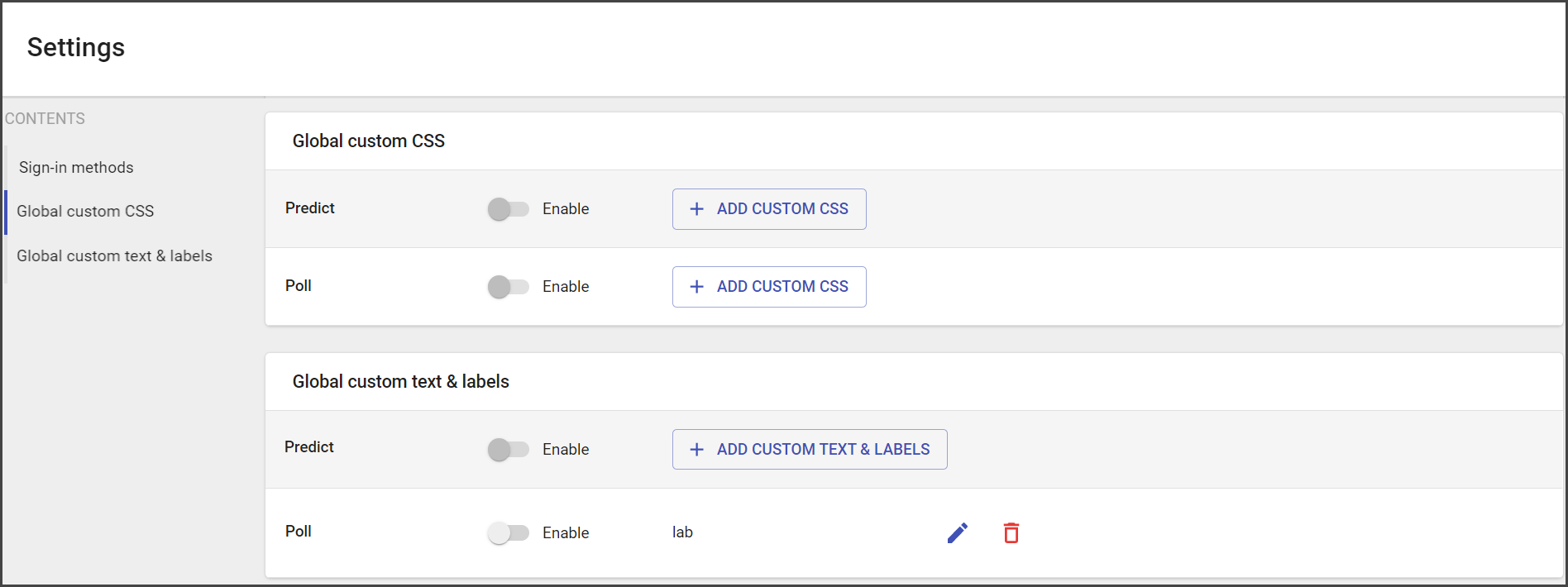
- Use the toddle to Enable custom CSS across all campaigns.
- Click on the pencil sign to edit CSS code.
- Enter CSS code.
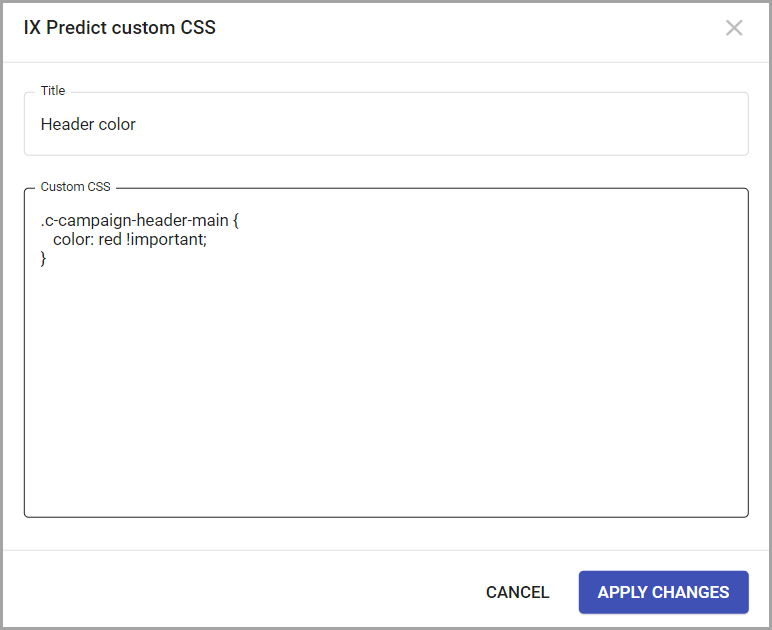
- Apply changes to save added information.
- Click Save changes and added customization will be applied across all campaigns.
The Custom Text and Labels
Custom text and labels are added to the general settings to work for all Poll or Predict campaigns.
If you need to set up custom text and labels for Predict or Poll, contact Support.
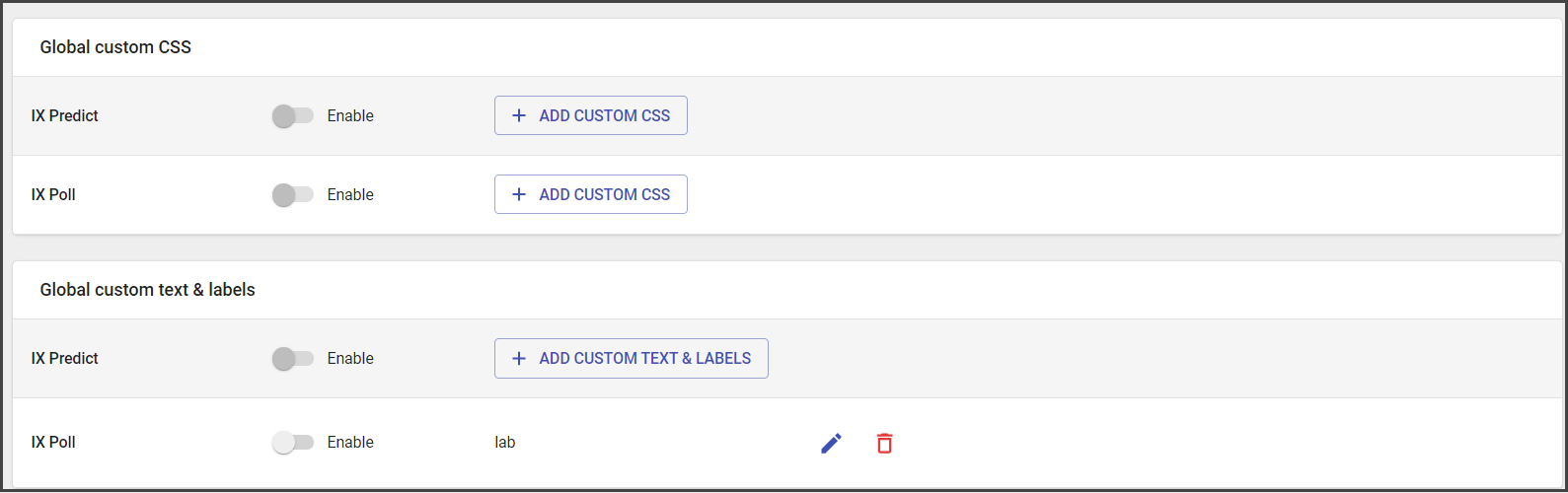
The added custom text and labels could be edited.
To edit the custom text and labels:
- Open Settings.
- Go to Global custom text and labels.
- Click the pencil sign.
- Make needed changes.
- Apply changes.
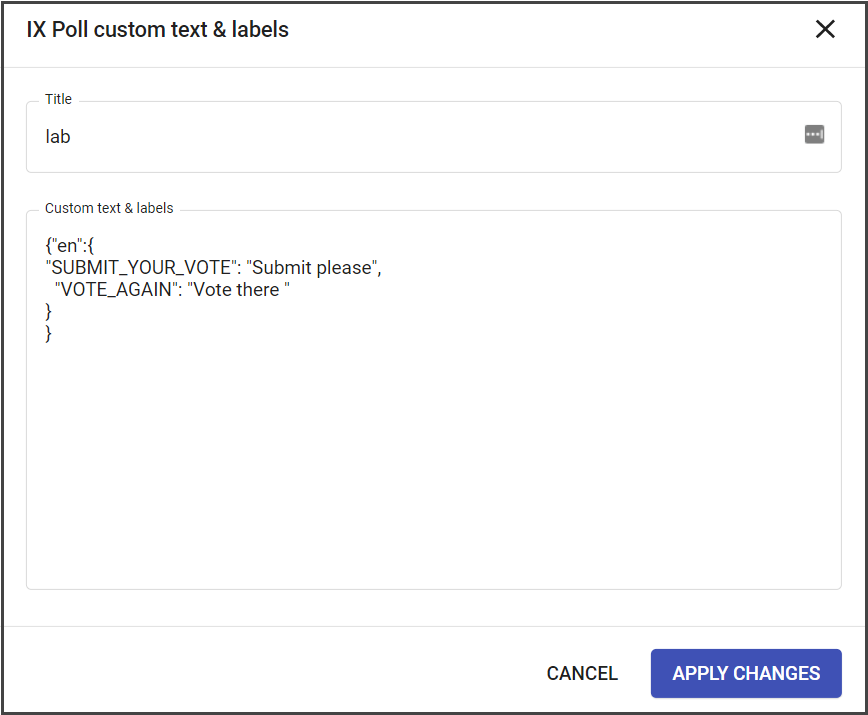
- Save settings.